Local History Photos & Newspaper: March 1, 2024

Hi everyone, here are the Local History Photos of the Week!

Local History & Newspaper blog posts are published on Fridays; and the next post will be up on Friday, March 8, 2024.

Helpful Photo Viewing Tips are found at the end of the posting for anyone who would like a few tips on how best to view the photos*

Local History Photo 1: Alliance Hook & Ladder Band (c. 1900)

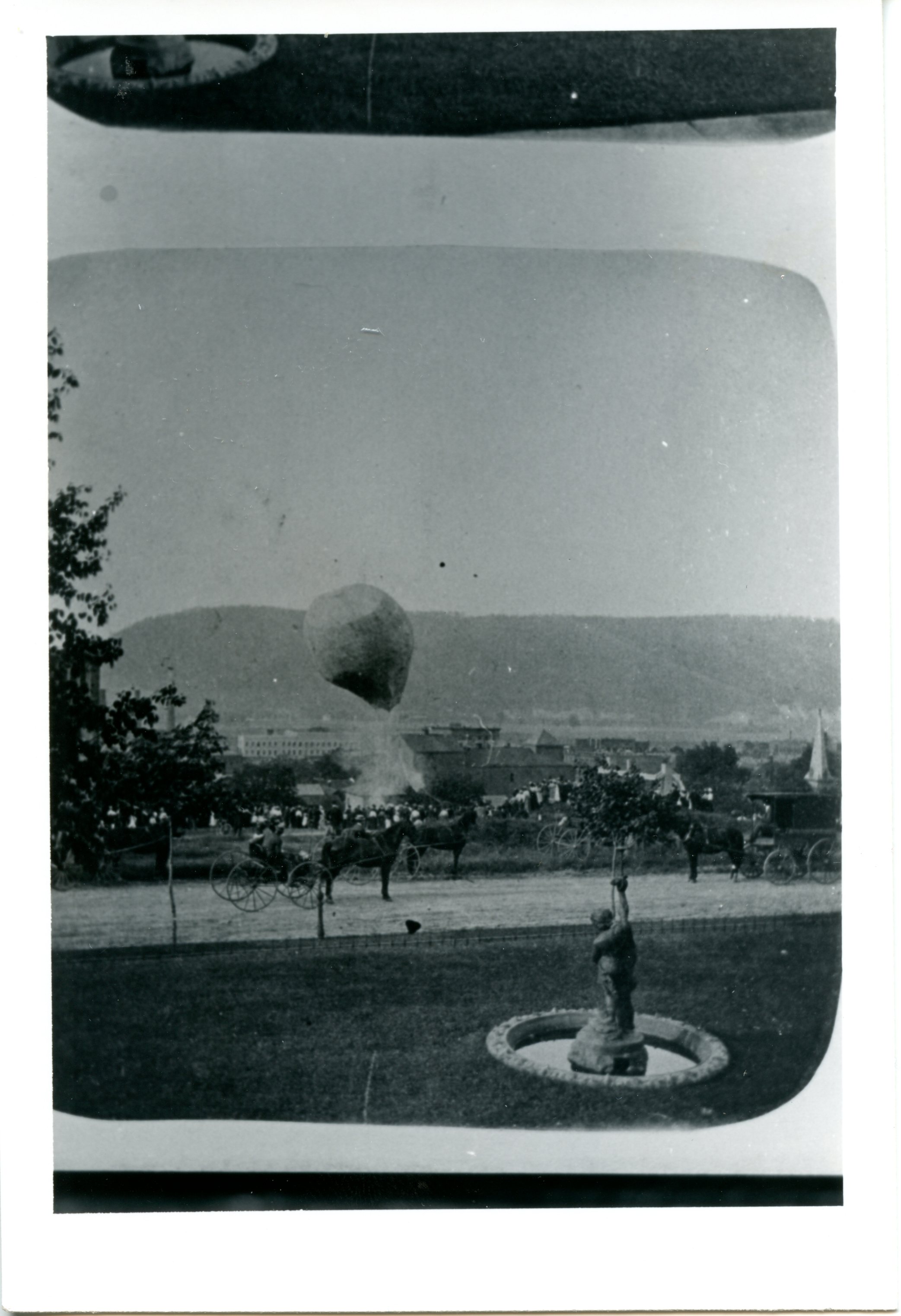
Local History Photo 2: Balloonists, Corning, N.Y. (c. 1900)
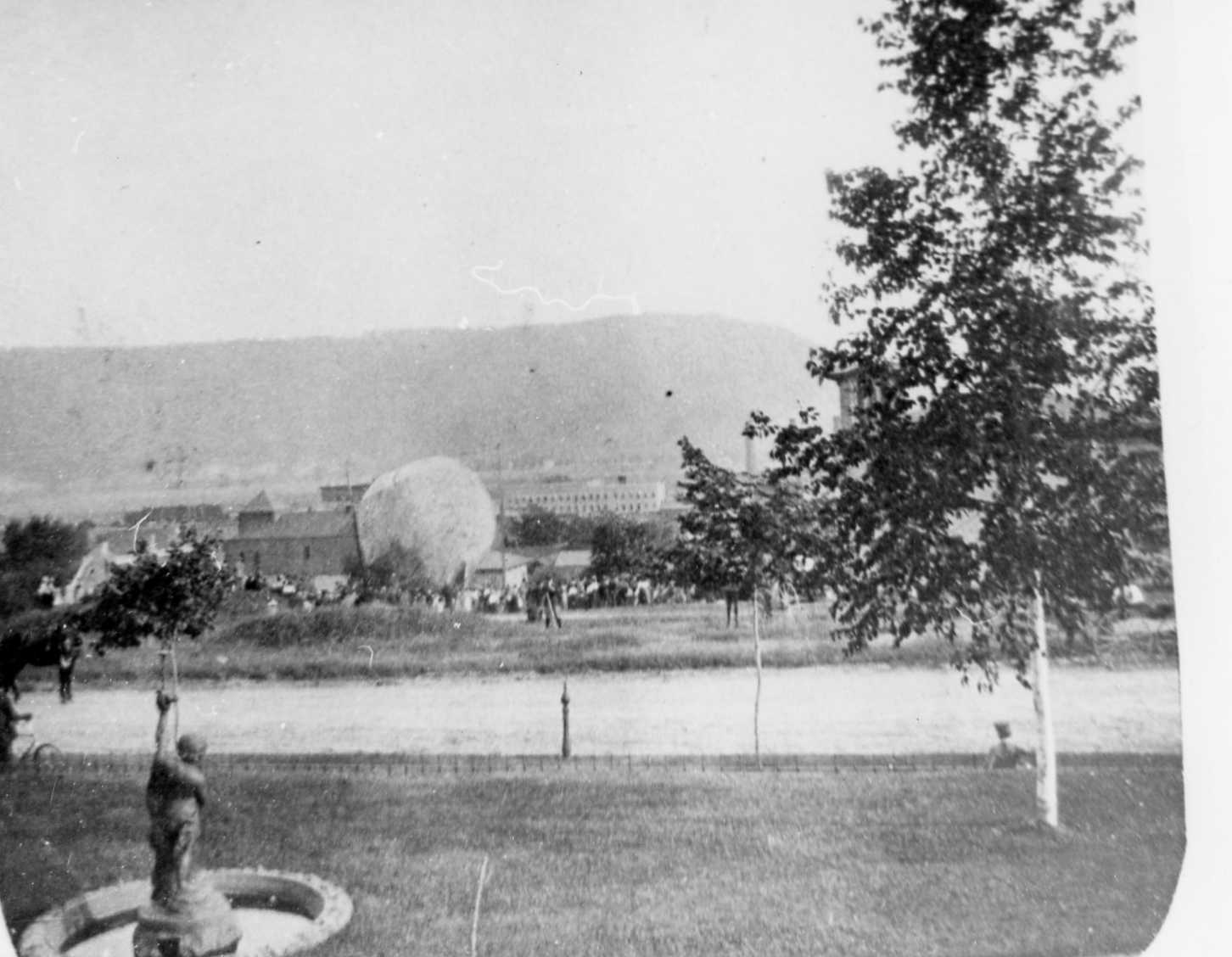
Local History Photo 3: Balloonists Too, Corning, N.Y. (c. 1900)
A Glimpse of Local Life: A Hundred Years Ago!

Here is an entire issue of The Evening Leader, Corning, N.Y. published on this day in 1924.

The Evening Leader, Corning, N.Y. | Front Page

The Evening Leader, Corning, N.Y., | Page Two

The Evening Leader, Corning, N.Y., | Page Three

The Evening Leader, Corning, N.Y., | Page Four

The Evening Leader, Corning, N.Y., | Page Five

The Evening Leader, Corning, N.Y., | Page Six

The Evening Leader, Corning, N.Y., | Page Seven

The Evening Leader, Corning, N.Y., | Page Eight

The Evening Leader, Corning, N.Y., | Page Nine

The Evening Leader, Corning, N.Y., | Page Ten

The Evening Leader, Corning, N.Y., | Page Eleven

The Evening Leader, Corning, N.Y., | Page Twelve

Have a great weekend everyone,

Linda Reimer, SSCL

Local History Online Library Resources:

Heritage Quest: Heritage Quest is the library’s online genealogy service, and it includes access to census records and other research sources; it can be accessed by going to the Online Resources page, on the library’s website, and scrolling down until you see the link for Heritage Quest:

https://www.ssclibrary.org/research/online-resources/

Once you’ve clicked on the Heritage Quest link, you’ll be prompted to login with your card number and PIN. If you have questions about how to use Heritage Quest, please feel free to let me know – my email address is reimerl@stls.org

Enjoy the photos and be well everyone,

Linda Reimer, SSCL

*To Create A Larger View (make the photos appear bigger on your screen):

You can click on each photo for a larger view. And then click the back arrow on your web browser to go back to the previous screen.

Alternatively, you can press and hold down the CTRL key, on your keyboard, while tapping the + key on your keyboard to make the photos appear larger on your screen.

To Create A Smaller View (make the photos appear smaller on your screen – after you’ve made them appear larger):

 Press and hold the CTRL key on your keyboard and tap the – sign to make the photos appear smaller again.

And If You Use A Mouse – CTRL & Scroll:

If you use a mouse you can do what is called “control and scroll”, to make photos appear larger and then smaller on your screen. To do this –>press and hold down the CTRL key on your keyboard and push the scroll wheel on your mouse away from you for a larger view. To reverse the larger view hold down the same CTRL key on your keyboard and pull the scroll wheel on your mouse towards you.

Library Local History/Creation Station Resources:
At the library you can scan your photos and slides to create digital family albums and slideshows; and even use one of the Circut machines, and other Creation Station equipment, to help you create a special paper family history album.

Also of note, we have the local paper, at times called the Corning Leader, Corning Journal or Corning Daily Journal, on microfilm from 1840 to the present — so you can visit the library and research local history and your family tree if you wish!

Local History Photos & Newspaper: February 23, 2024

Hi everyone, here are the Local History Photos of the Week!

Local History & Newspaper blog posts are published on Fridays; and the next post will be up on Friday, March 1, 2024.

Helpful Photo Viewing Tips are found at the end of the posting for anyone who would like a few tips on how best to view the photos*

Local History Photo 1: “Birds Eye View of North Side, Corning, N.Y. showing W. Pulteney St. and New North Side High School.”

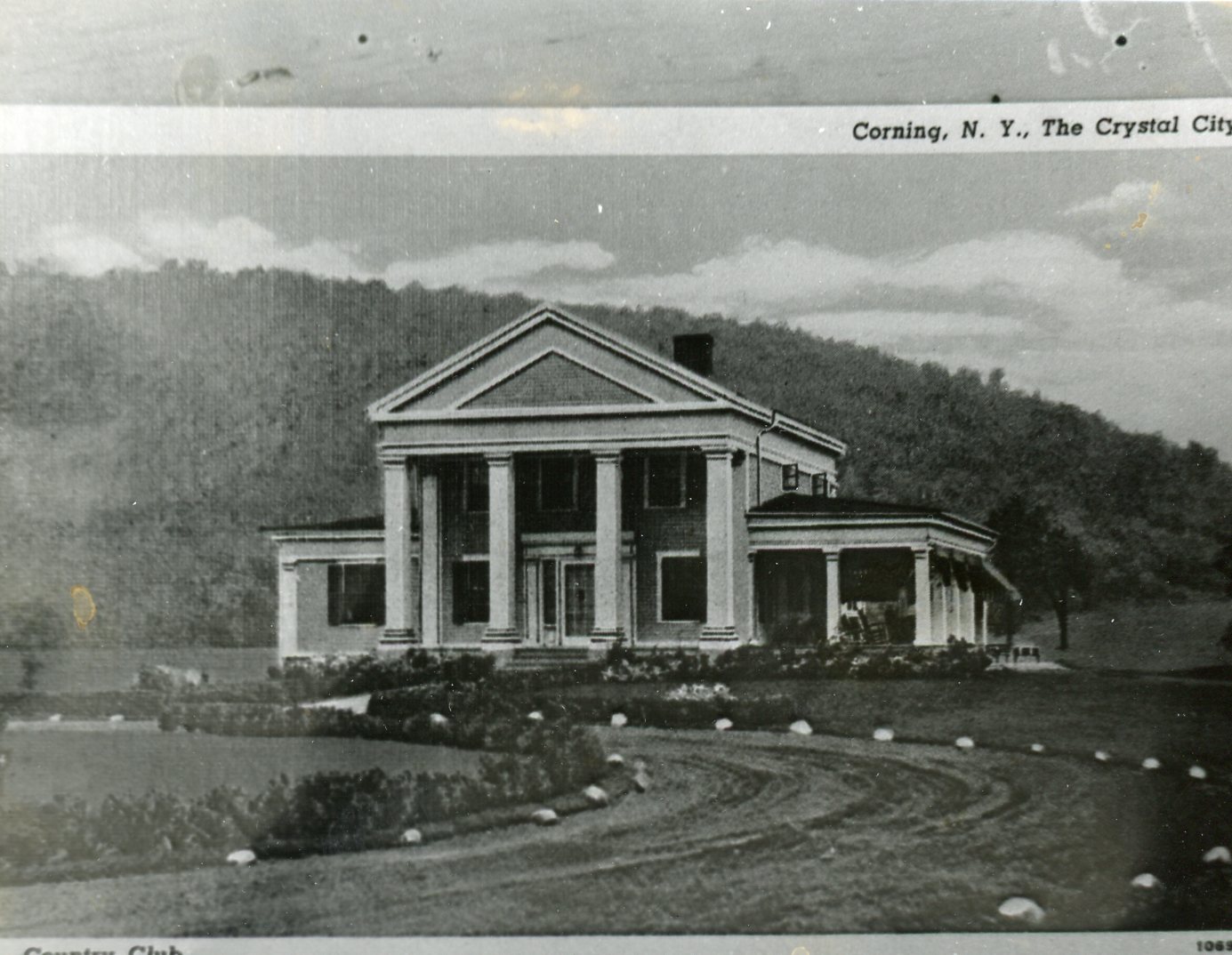
Local History Photo 2: Country Club, Corning, N. Y. (circa early 1900s)

Local History Photo 3: Centerway Square, Corning, N.Y. (1916)

A Glimpse of Local Life: A Hundred Years Ago!

Here is an entire issue of The Evening Leader, Corning, N.Y. published on this day in 1924.

Reader’s Note: I am now uploading the newspaper of the week as a PDF to it is searchable, and it may be easier to read if you download a version before viewing. The download link is found just under the window showing the newspaper.

The Evening Leader, Corning, N.Y. | February 23, 2024

Have a great weekend everyone,

Linda Reimer, SSCL

Local History Online Library Resources:

Heritage Quest: Heritage Quest is the library’s online genealogy service, and it includes access to census records and other research sources; it can be accessed by going to the Online Resources page, on the library’s website, and scrolling down until you see the link for Heritage Quest:

https://www.ssclibrary.org/research/online-resources/

Once you’ve clicked on the Heritage Quest link, you’ll be prompted to login with your card number and PIN. If you have questions about how to use Heritage Quest, please feel free to let me know – my email address is reimerl@stls.org

Enjoy the photos and be well everyone,

Linda Reimer, SSCL

*To Create A Larger View (make the photos appear bigger on your screen):

You can click on each photo for a larger view. And then click the back arrow on your web browser to go back to the previous screen.

Alternatively, you can press and hold down the CTRL key, on your keyboard, while tapping the + key on your keyboard to make the photos appear larger on your screen.

To Create A Smaller View (make the photos appear smaller on your screen – after you’ve made them appear larger):

 Press and hold the CTRL key on your keyboard and tap the – sign to make the photos appear smaller again.

And If You Use A Mouse – CTRL & Scroll:

If you use a mouse you can do what is called “control and scroll”, to make photos appear larger and then smaller on your screen. To do this –>press and hold down the CTRL key on your keyboard and push the scroll wheel on your mouse away from you for a larger view. To reverse the larger view hold down the same CTRL key on your keyboard and pull the scroll wheel on your mouse towards you.

Library Local History/Creation Station Resources:
At the library you can scan your photos and slides to create digital family albums and slideshows; and even use one of the Circut machines, and other Creation Station equipment, to help you create a special paper family history album.

Also of note, we have the local paper, at times called the Corning Leader, Corning Journal or Corning Daily Journal, on microfilm from 1840 to the present — so you can visit the library and research local history and your family tree if you wish!

Local History Photos & Newspaper: February 16, 2024

Hi everyone, here are the Local History Photos of the Week!

Local History & Newspaper blog posts are published on Fridays; and the next post will be up on Friday, February 23, 2024.

Helpful Photo Viewing Tips are found at the end of the posting for anyone who would like a few tips on how best to view the photos*

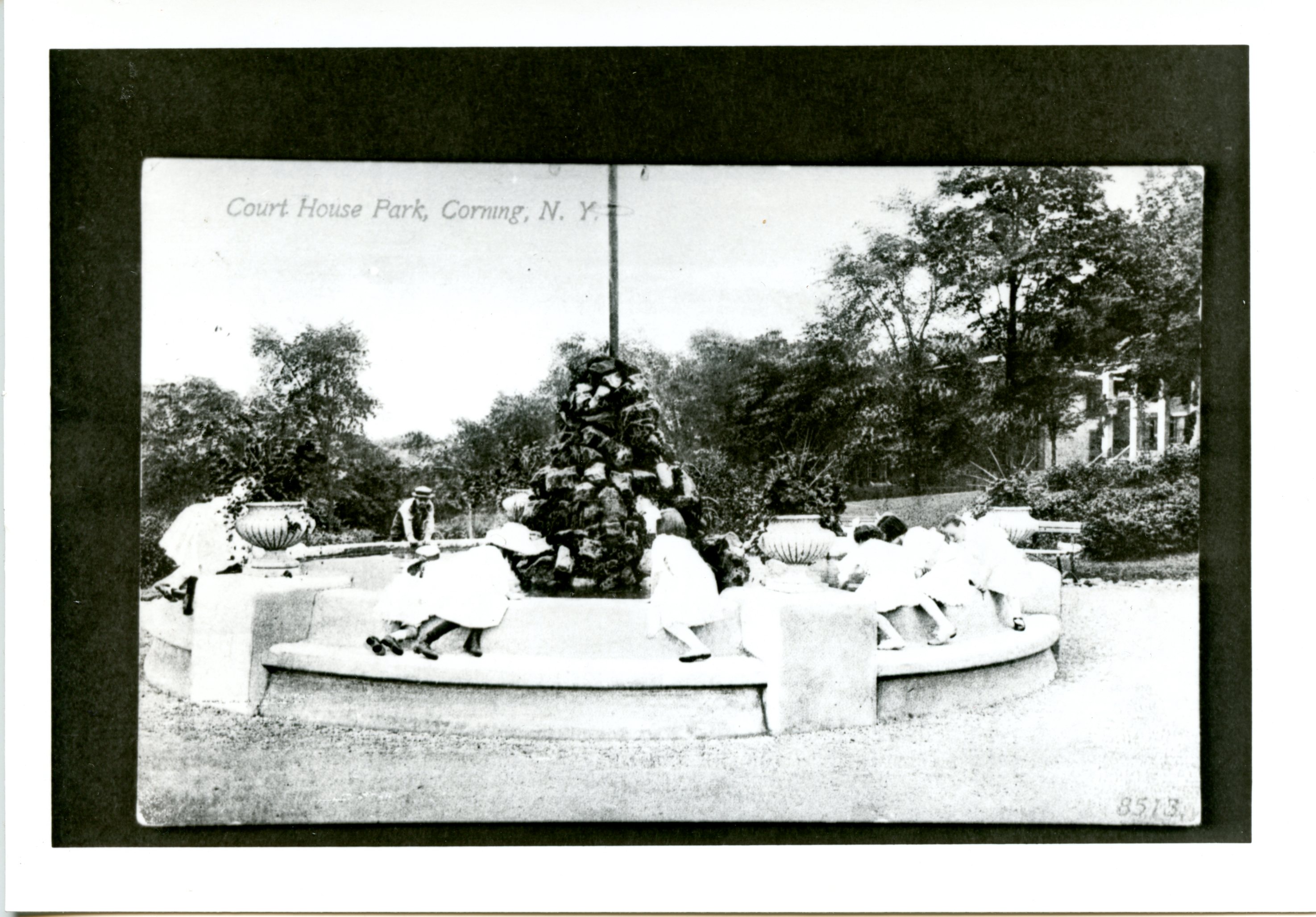
Local History Photo 1: Court House Park, Corning, N.Y.

Local History Photo 2: Flying Curtis Aeroplane

Local History Photo 3: Corning Brick and Terra Cotta Factory

A Glimpse of Local Life: A Hundred Years Ago!

Here is an entire issue of The Evening Leader, Corning, N.Y. published on this day in 1924.

The Evening Leader, Corning, N.Y., February 16, 1924 | Front Page

The Evening Leader, Corning, N.Y., February 16, 1924 | Page Two

The Evening Leader, Corning, N.Y., February 16, 1924 | Page Three

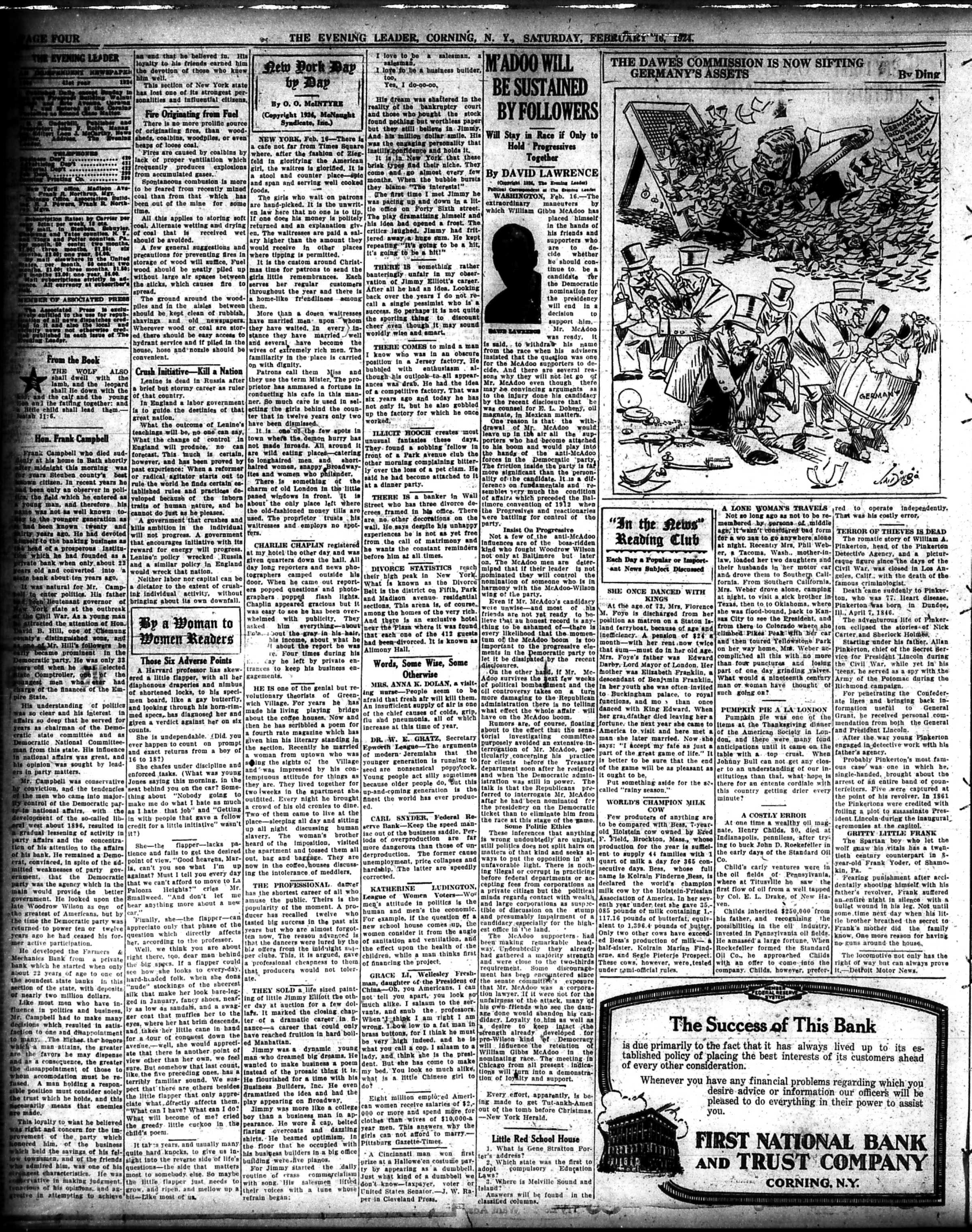
The Evening Leader, Corning, N.Y., February 16, 1924 | Page Four

The Evening Leader, Corning, N.Y., February 16, 1924 | Page Five

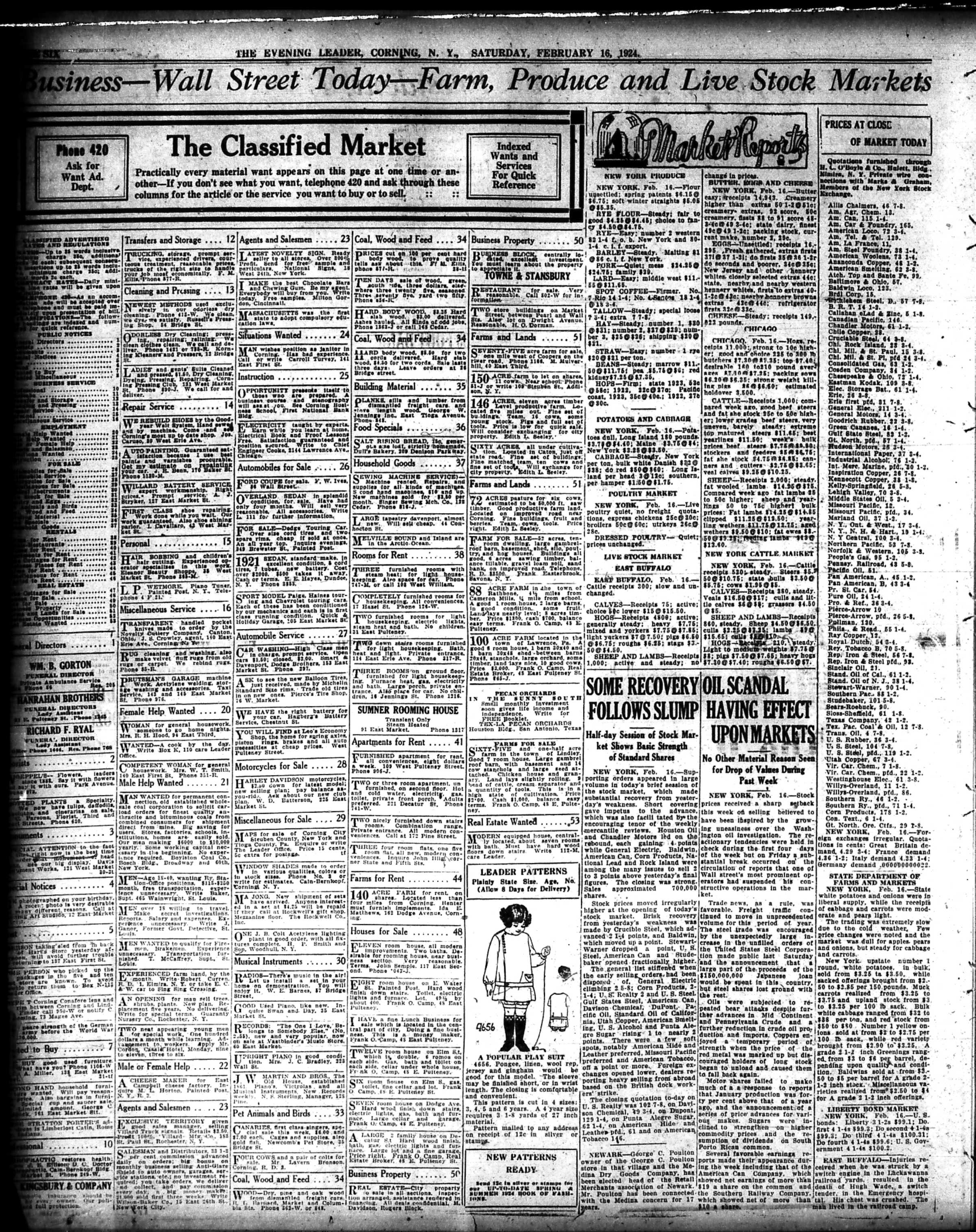
The Evening Leader, Corning, N.Y., February 16, 1924 | Page Six

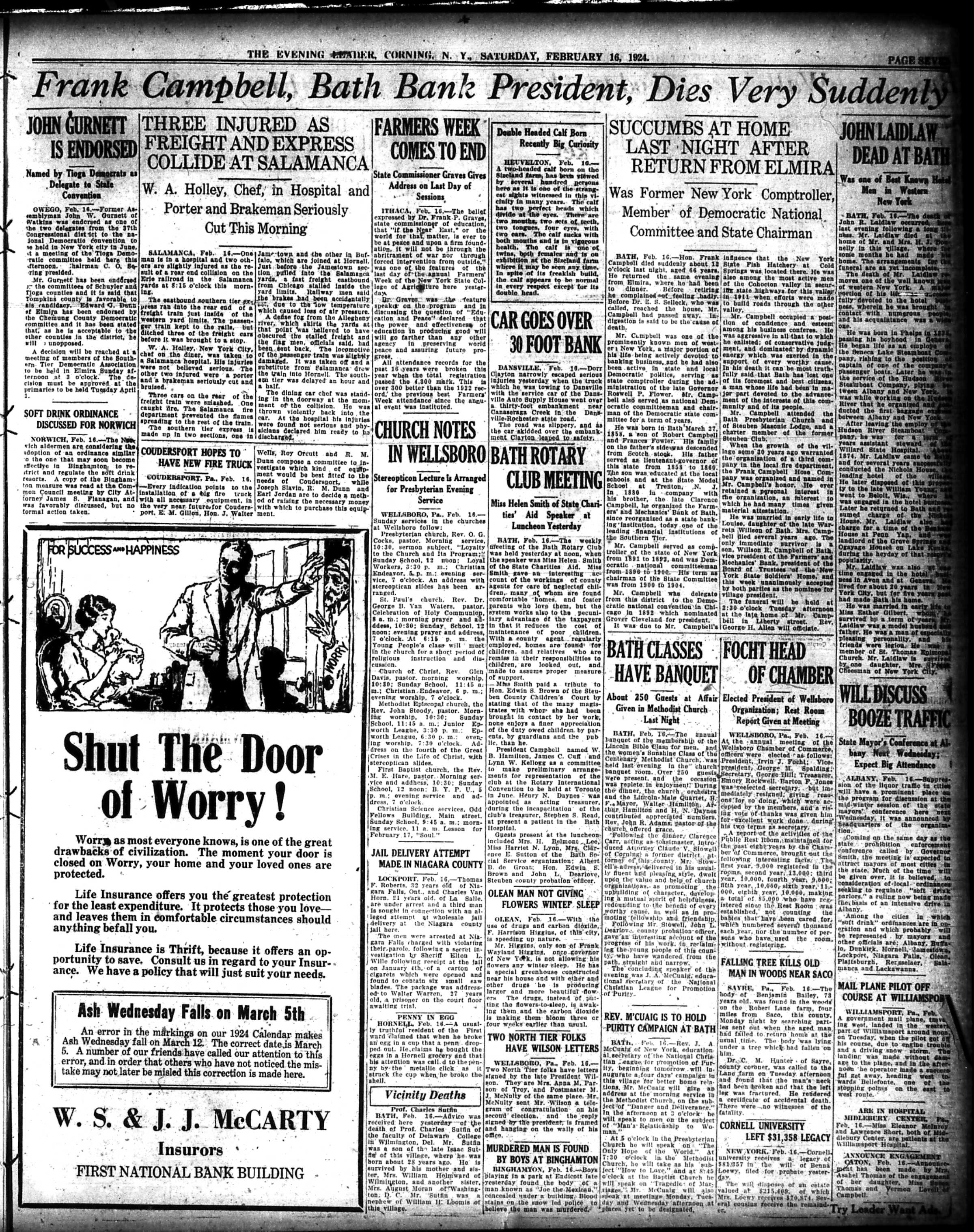
The Evening Leader, Corning, N.Y., February 16, 1924 | Page Seven

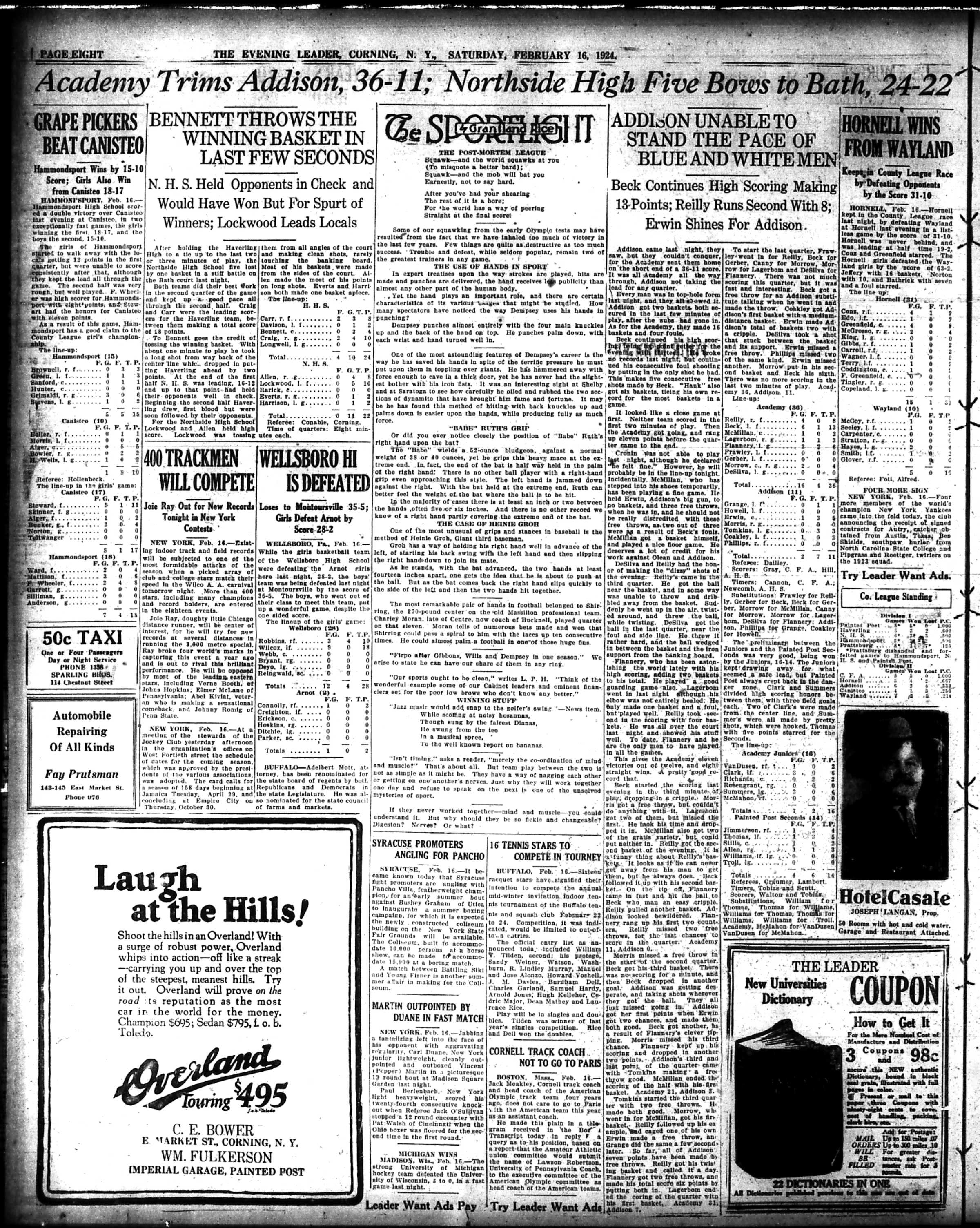
The Evening Leader, Corning, N.Y., February 16, 1924 | Page Eight

The Evening Leader, Corning, N.Y., February 16, 1924 | Page Nine

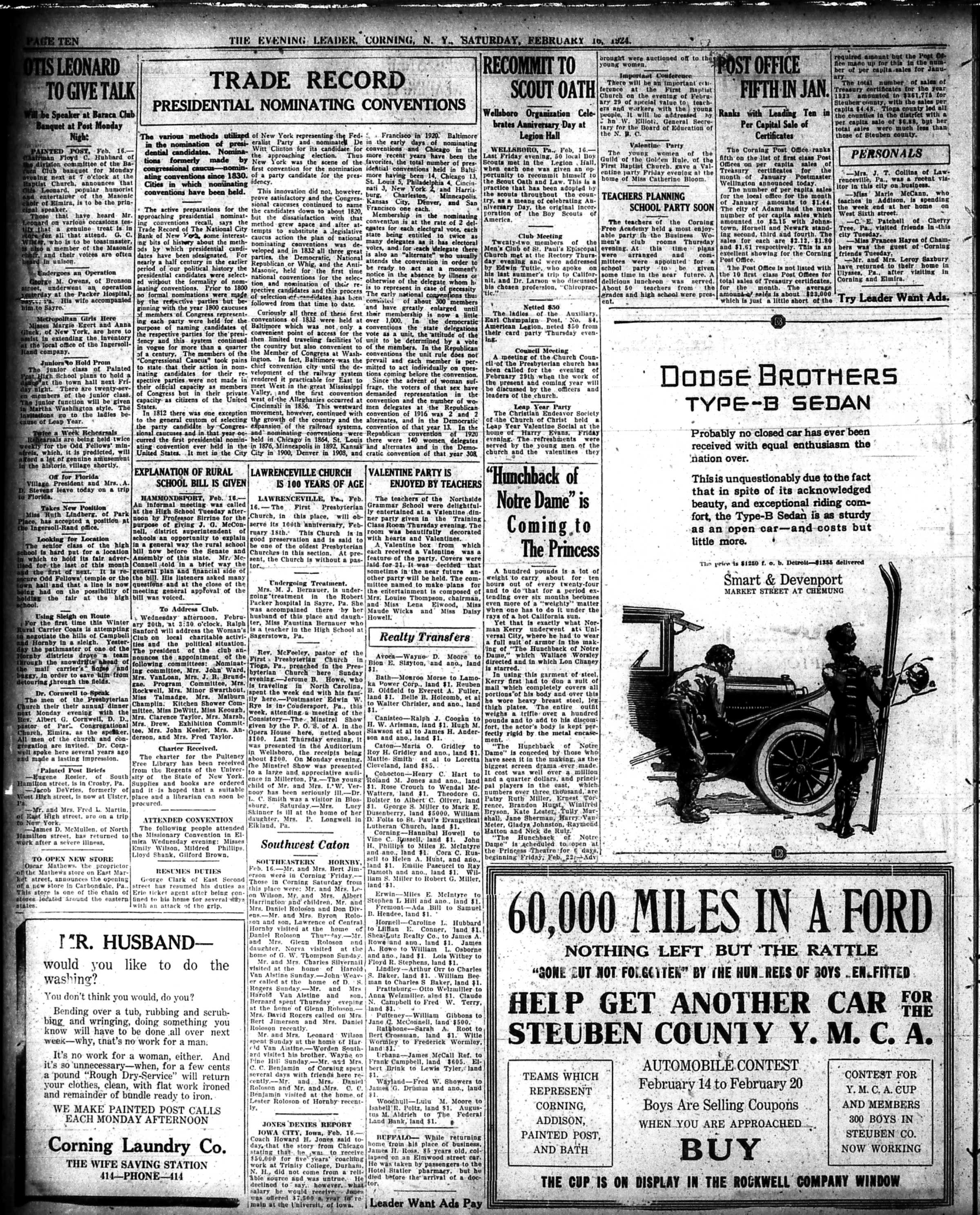
The Evening Leader, Corning, N.Y., February 16, 1924 | Page Ten

The Evening Leader, Corning, N.Y., February 16, 1924 | Page Eleven

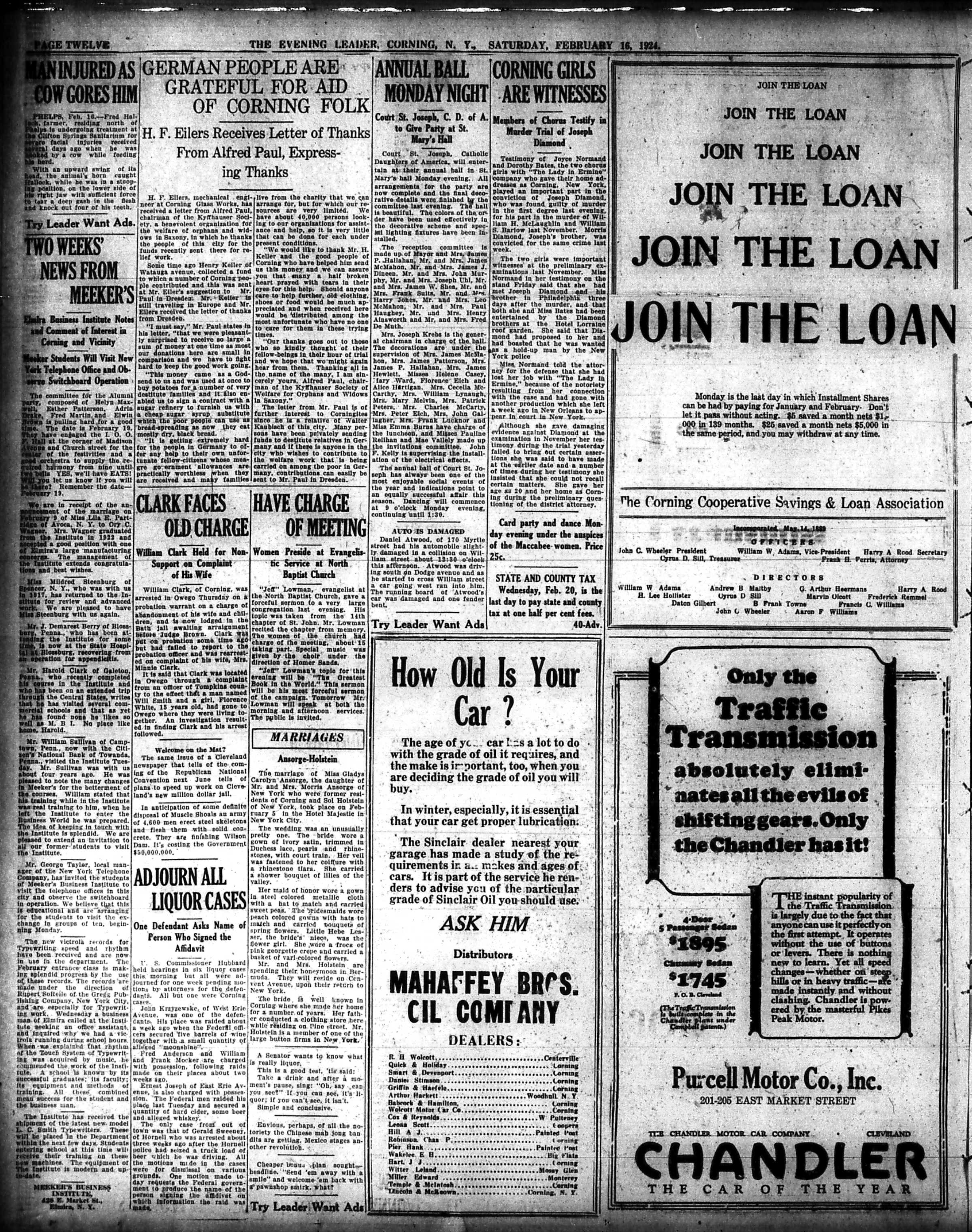
The Evening Leader, Corning, N.Y., February 16, 1924 | Page Twelve

And for those who prefer a PDF of the entire issue, here is one!

The Evening Leader, Corning, N.Y., February 16, 1924

Have a great weekend everyone,

Linda Reimer, SSCL

Local History Online Library Resources:

Heritage Quest: Heritage Quest is the library’s online genealogy service, and it includes access to census records and other research sources; it can be accessed by going to the Online Resources page, on the library’s website, and scrolling down until you see the link for Heritage Quest:

https://www.ssclibrary.org/research/online-resources/

Once you’ve clicked on the Heritage Quest link, you’ll be prompted to login with your card number and PIN. If you have questions about how to use Heritage Quest, please feel free to let me know – my email address is reimerl@stls.org

Enjoy the photos and be well everyone,

Linda Reimer, SSCL

*To Create A Larger View (make the photos appear bigger on your screen):

You can click on each photo for a larger view. And then click the back arrow on your web browser to go back to the previous screen.

Alternatively, you can press and hold down the CTRL key, on your keyboard, while tapping the + key on your keyboard to make the photos appear larger on your screen.

To Create A Smaller View (make the photos appear smaller on your screen – after you’ve made them appear larger):

 Press and hold the CTRL key on your keyboard and tap the – sign to make the photos appear smaller again.

And If You Use A Mouse – CTRL & Scroll:

If you use a mouse you can do what is called “control and scroll”, to make photos appear larger and then smaller on your screen. To do this –>press and hold down the CTRL key on your keyboard and push the scroll wheel on your mouse away from you for a larger view. To reverse the larger view hold down the same CTRL key on your keyboard and pull the scroll wheel on your mouse towards you.

Library Local History/Creation Station Resources:
At the library you can scan your photos and slides to create digital family albums and slideshows; and even use one of the Circut machines, and other Creation Station equipment, to help you create a special paper family history album.

Also of note, we have the local paper, at times called the Corning Leader, Corning Journal or Corning Daily Journal, on microfilm from 1840 to the present — so you can visit the library and research local history and your family tree if you wish!
Local History Photos & Newspaper: February 9, 2024

Hi everyone, here are the Local History Photos of the Week!

Local History photos are published on Fridays; and the next local history photo posting will be up on Friday, February 16, 2024.

Helpful Photo Viewing Tips are found at the end of the posting for anyone who would like a few tips on how best to view the photos*

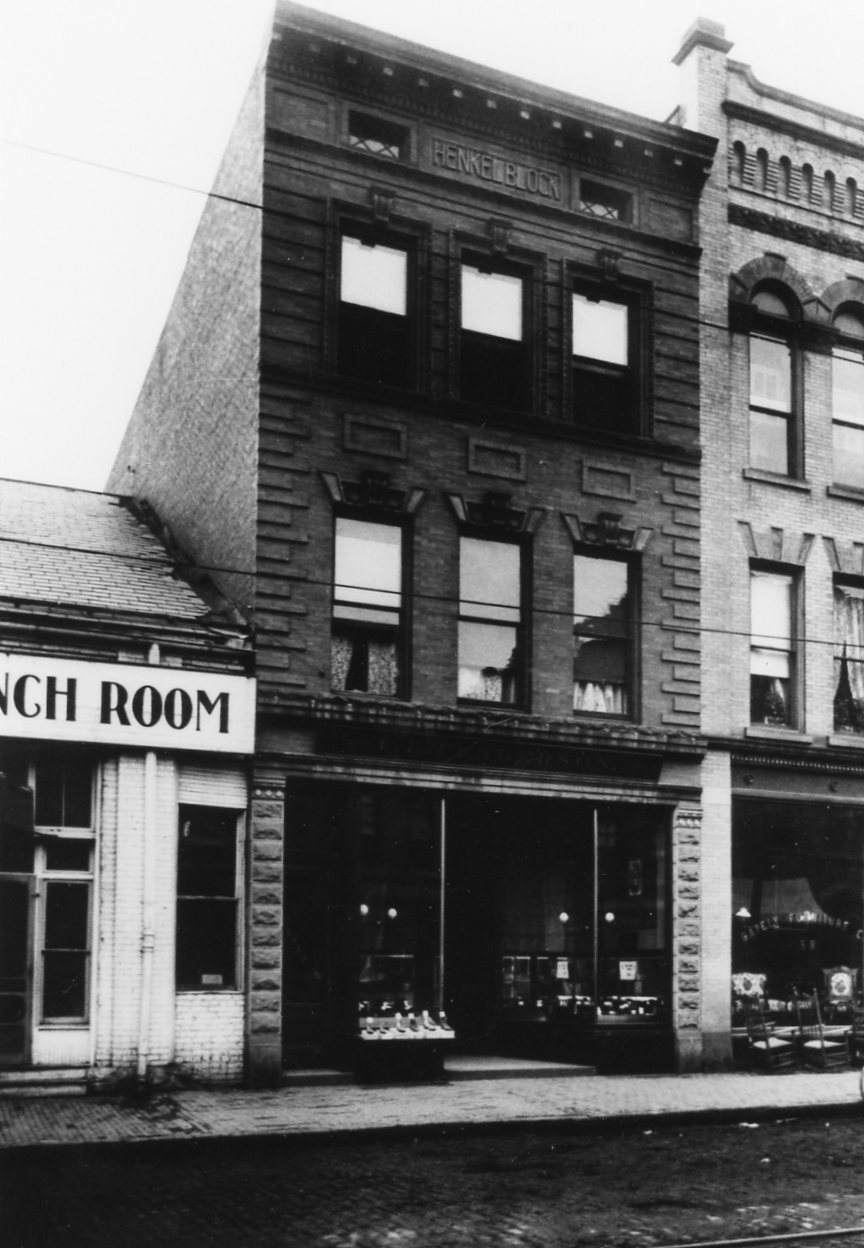
Local History Photos 1- 3: Buildings In Corning, N.Y.

Local History Photo 2

Local History Photo 3

A Glimpse of Local Life: A Hundred Years Ago!

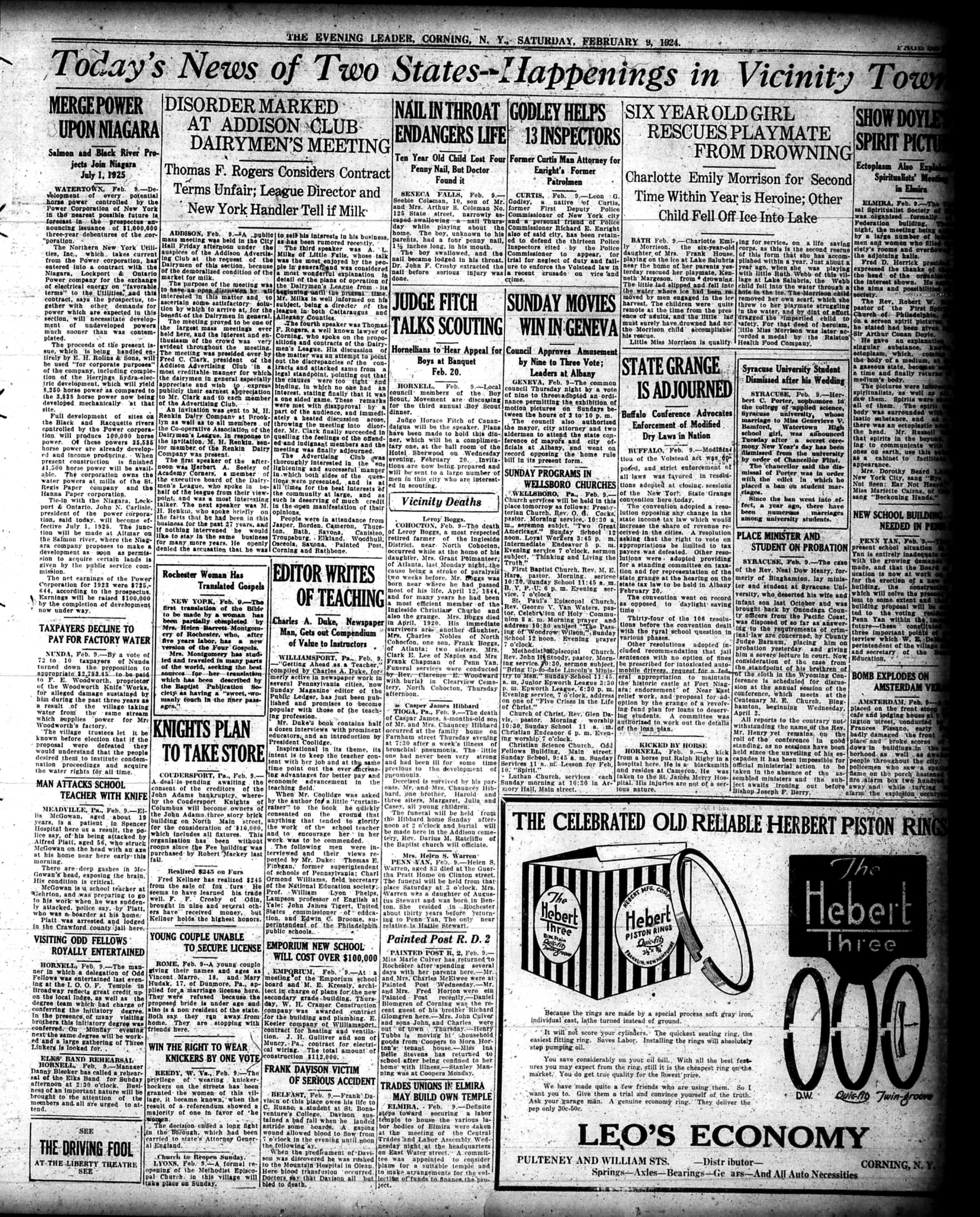
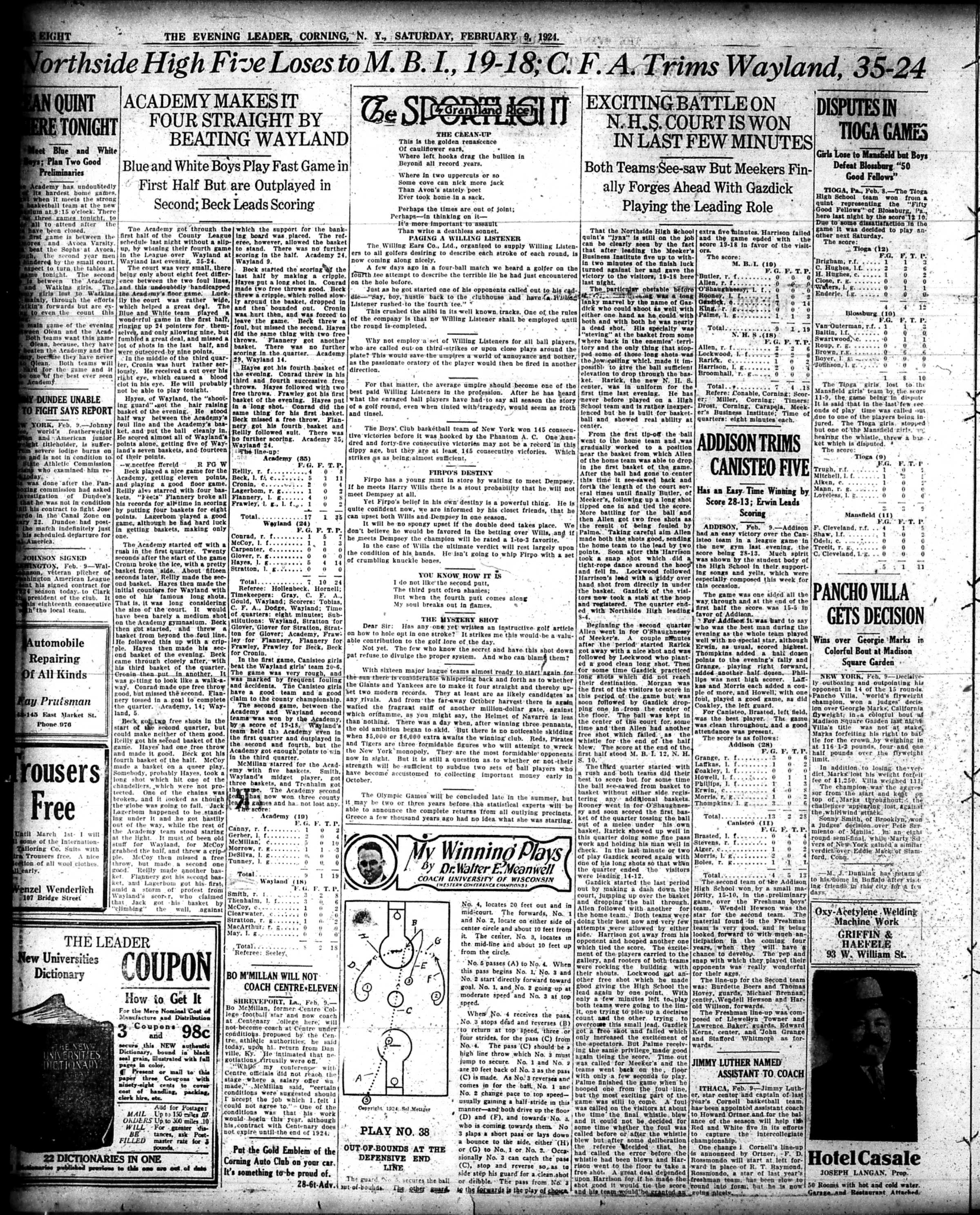
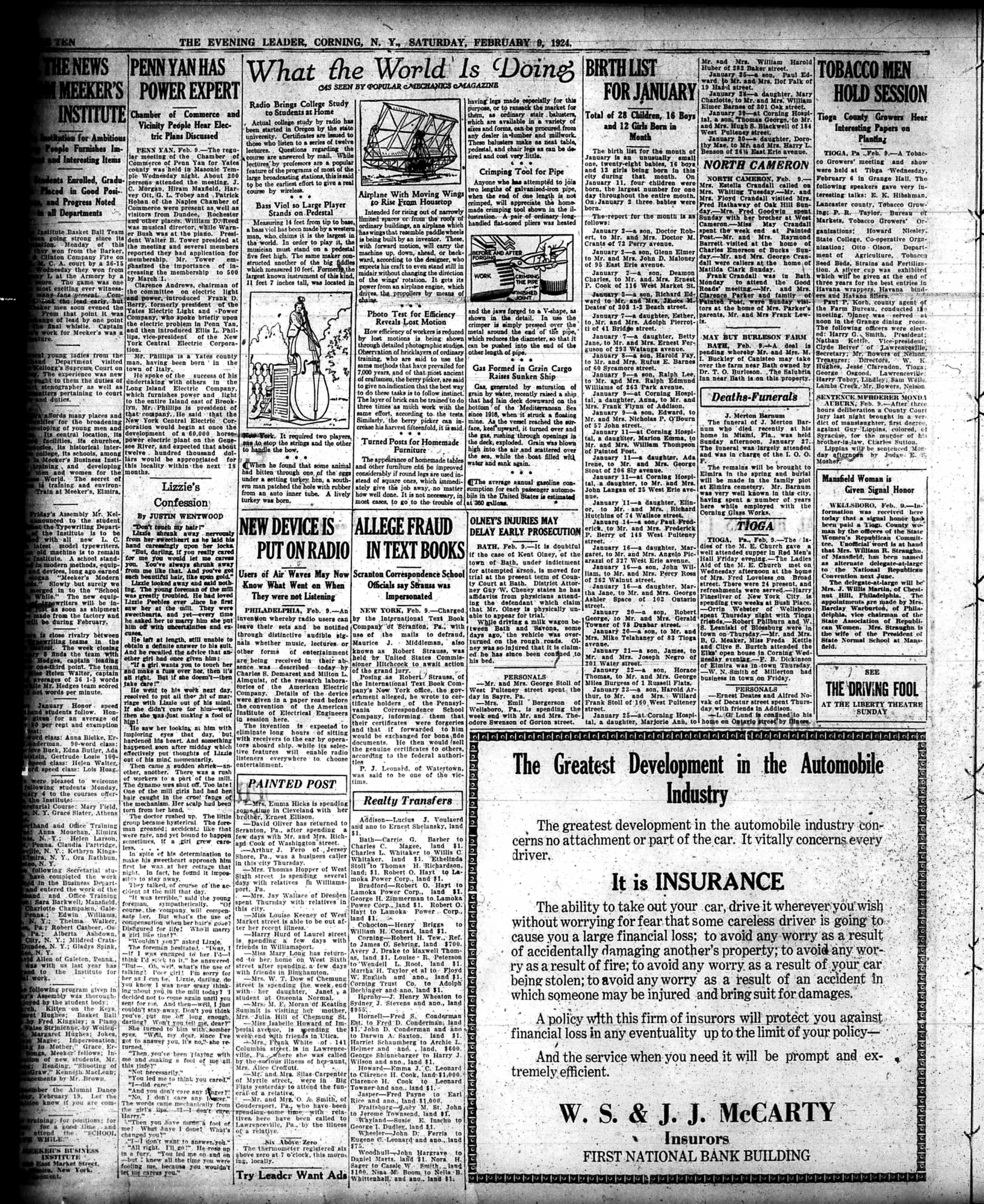
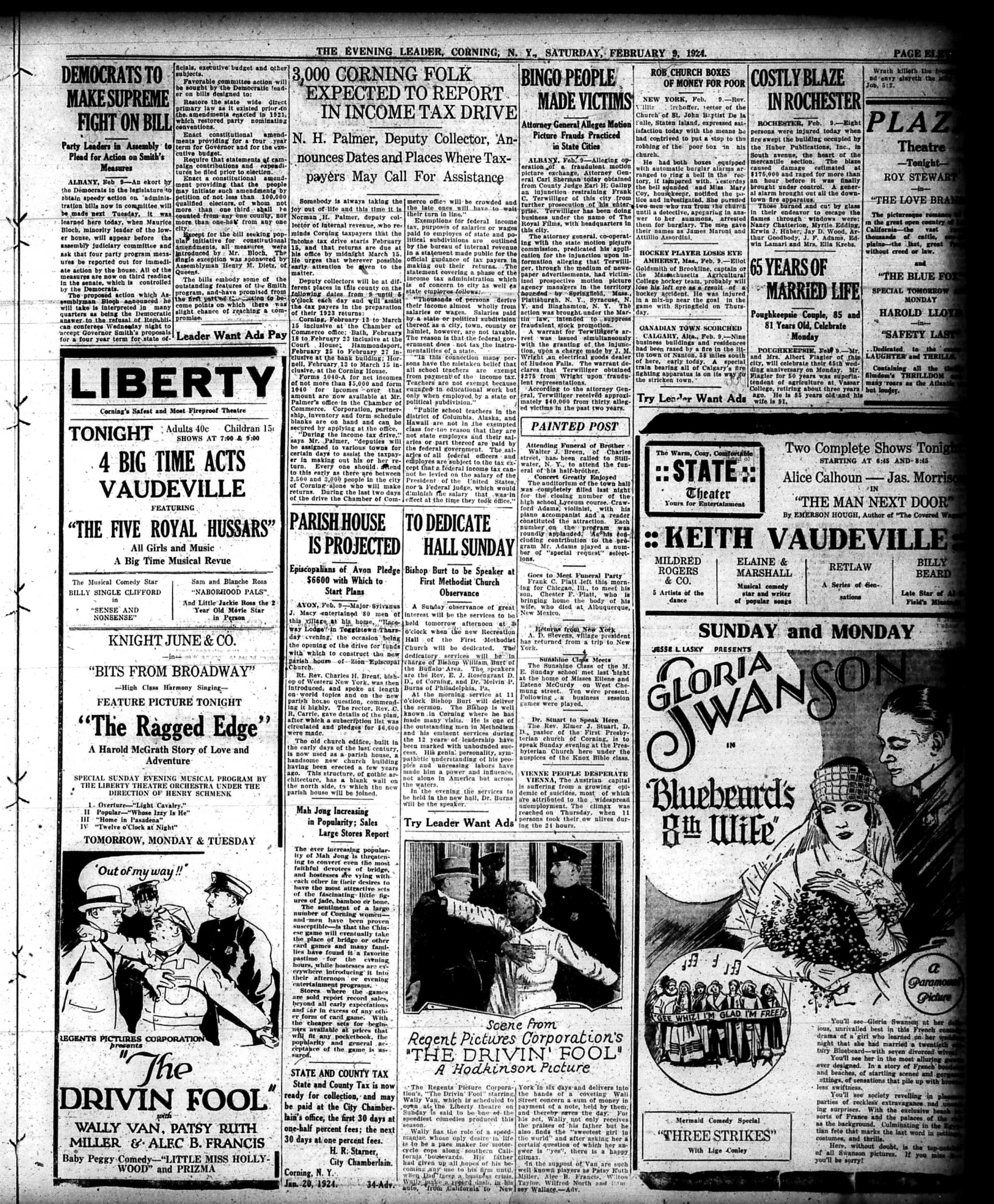
Here is an entire issue of The Evening Leader, Corning, N.Y. published on this day in 1924.

The Evening Leader, Corning, N.Y. February 9, 1924 | Front Page

The Evening Leader, Corning, N.Y., February 9, 1924 | Page Two

The Evening Leader, Corning, N.Y., February 9, 1924 | Page Three

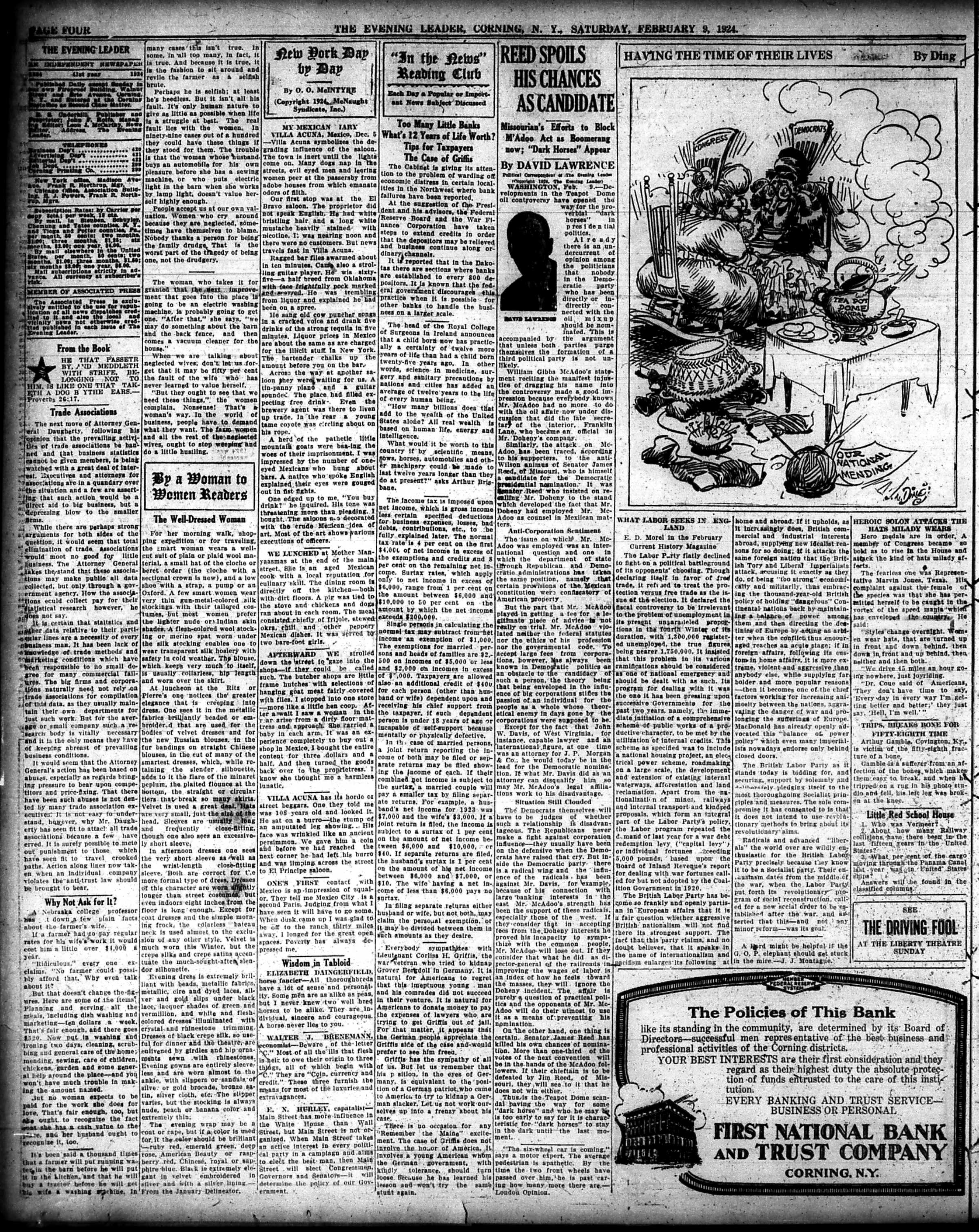
The Evening Leader, Corning, N.Y., February 9, 1924 | Page Four

The Evening Leader, Corning, N.Y., February 9, 1924 | Page Five

The Evening Leader, Corning, N.Y., February 9, 1924 | Page Six

The Evening Leader, Corning, N.Y., February 9, 1924 | Page Seven

The Evening Leader, Corning, N.Y., February 9, 1924 | Page Eight

The Evening Leader, Corning, N.Y., February 9, 1924 | Page Nine

The Evening Leader, Corning, N.Y., February 9, 1924 | Page Ten

The Evening Leader, Corning, N.Y., February 9, 1924 | Page Eleven

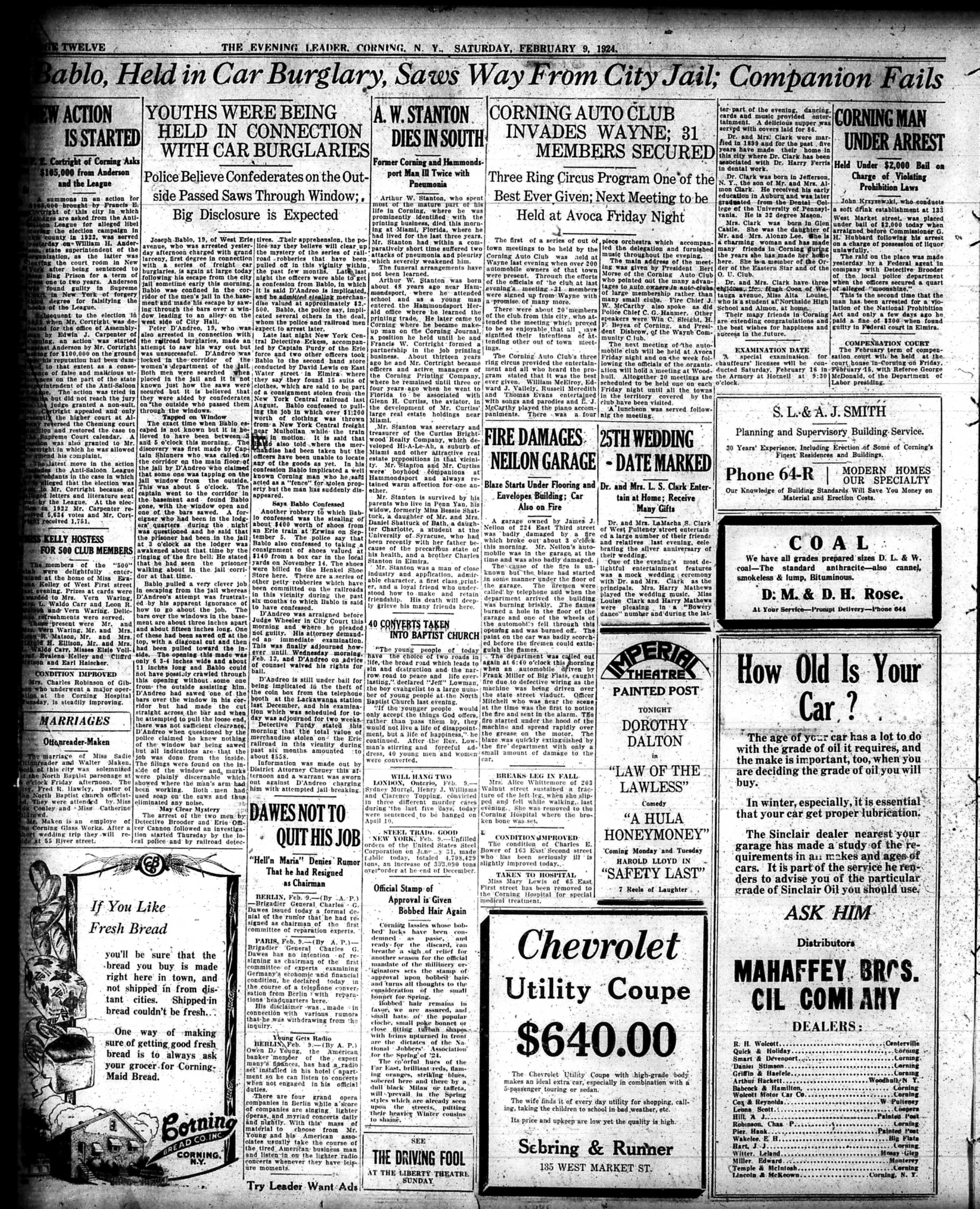
The Evening Leader, Corning, N.Y., February 9, 1924 | Page Twelve

And a PDF version of The Evening Leader, February 9, 1924

Have a great weekend everyone,

Linda Reimer, SSCL

Local History Online Library Resources:

Heritage Quest: Heritage Quest is the library’s online genealogy service, and it includes access to census records and other research sources; it can be accessed by going to the Online Resources page, on the library’s website, and scrolling down until you see the link for Heritage Quest:

https://www.ssclibrary.org/research/online-resources/

Once you’ve clicked on the Heritage Quest link, you’ll be prompted to login with your card number and PIN. If you have questions about how to use Heritage Quest, please feel free to let me know – my email address is reimerl@stls.org

Enjoy the photos and be well everyone,

Linda Reimer, SSCL

*To Create A Larger View (make the photos appear bigger on your screen):

You can click on each photo for a larger view. And then click the back arrow on your web browser to go back to the previous screen.

Alternatively, you can press and hold down the CTRL key, on your keyboard, while tapping the + key on your keyboard to make the photos appear larger on your screen.

To Create A Smaller View (make the photos appear smaller on your screen – after you’ve made them appear larger):

 Press and hold the CTRL key on your keyboard and tap the – sign to make the photos appear smaller again.

And If You Use A Mouse – CTRL & Scroll:

If you use a mouse you can do what is called “control and scroll”, to make photos appear larger and then smaller on your screen. To do this –>press and hold down the CTRL key on your keyboard and push the scroll wheel on your mouse away from you for a larger view. To reverse the larger view hold down the same CTRL key on your keyboard and pull the scroll wheel on your mouse towards you.

Library Local History/Creation Station Resources:
At the library you can scan your photos and slides to create digital family albums and slideshows; and even use one of the Circut machines, and other Creation Station equipment, to help you create a special paper family history album.

Also of note, we have the local paper, at times called the Corning Leader, Corning Journal or Corning Daily Journal, on microfilm from 1840 to the present — so you can visit the library and research local history and your family tree if you wish!

Local History Photos & Newspaper: February 2, 2024

Hi everyone, here are the Local History Photos of the Week!

Local History photos are published on Fridays; and the next local history photo posting will be up on Friday, February 9, 2024

Helpful Photo Viewing Tips are found at the end of the posting for anyone who would like a few tips on how best to view the photos*

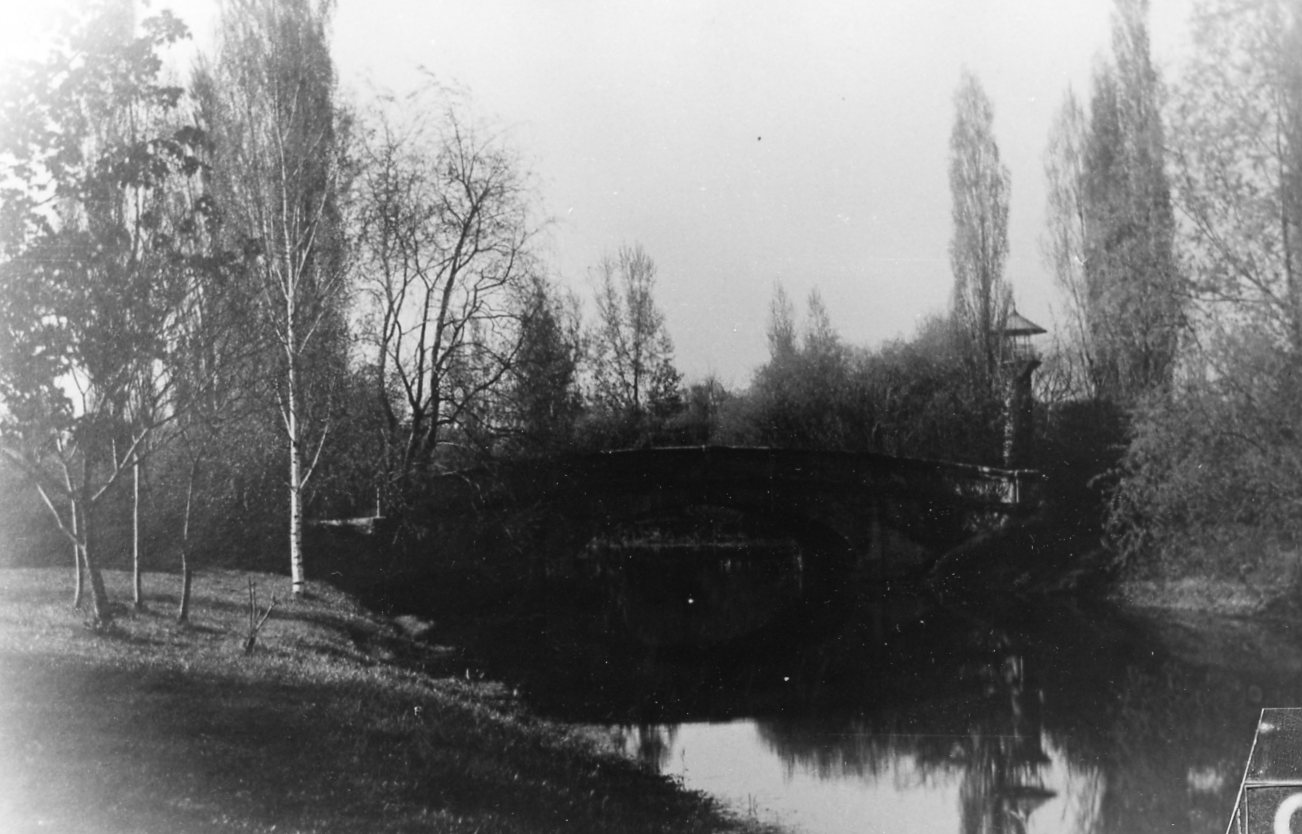
Local History Photo 1: Denison Park, Corning, N.Y.

Local History Photo 2: Denison Park, Corning, N.Y. Too

Local History Photo 3: The Lewis Farm

A Glimpse of Local Life: A Hundred Years Ago!

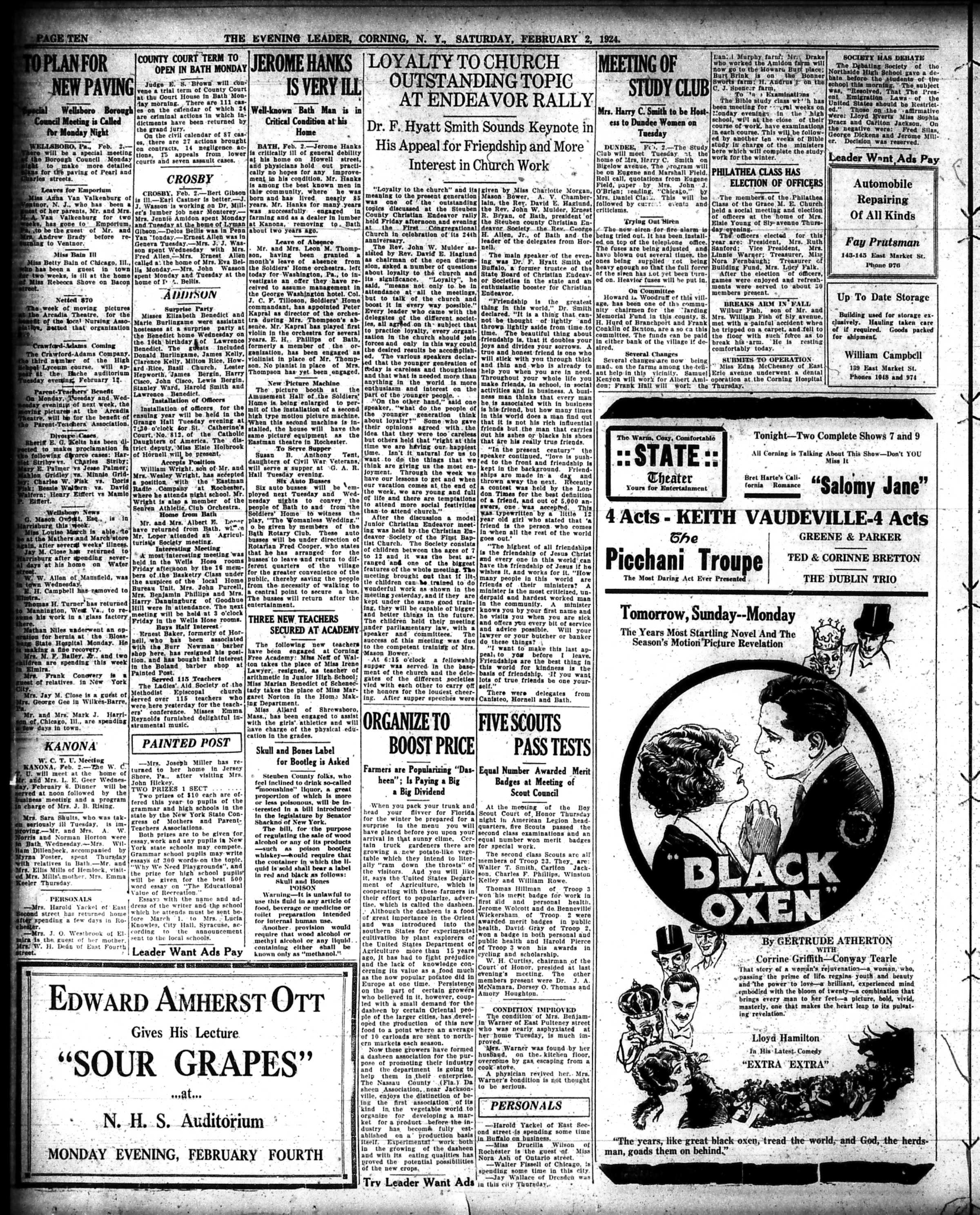
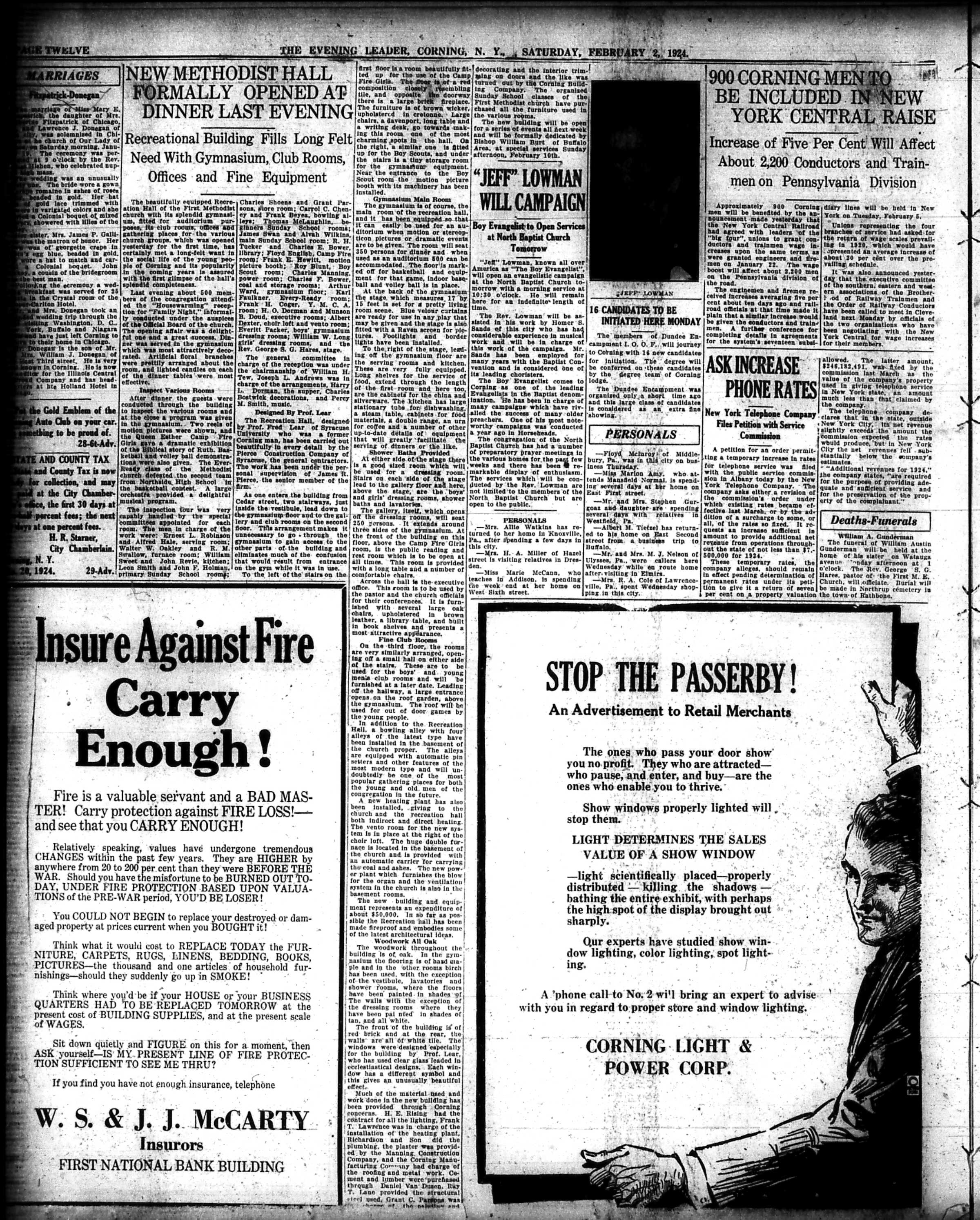
Here is an entire issue of The Evening Leader, Corning, N.Y. published on this day in 1924.

The Evening Leader, Corning, N.Y. | Front Page

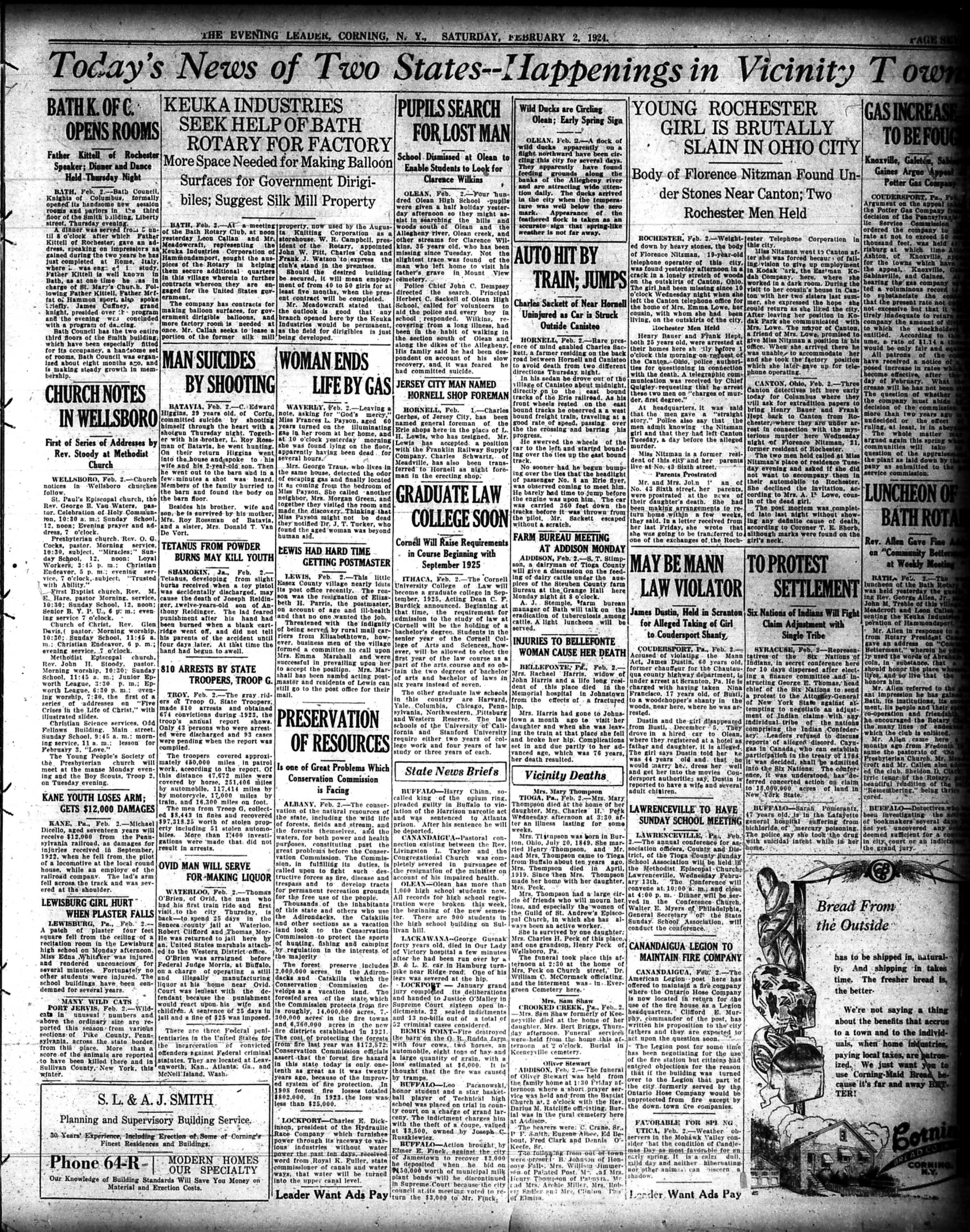
The Evening Leader, Corning, N.Y., | Page Two

The Evening Leader, Corning, N.Y., | Page Three

The Evening Leader, Corning, N.Y., | Page Four

The Evening Leader, Corning, N.Y., | Page Five

The Evening Leader, Corning, N.Y., | Page Six

The Evening Leader, Corning, N.Y., | Page Seven

The Evening Leader, Corning, N.Y., | Page Eight

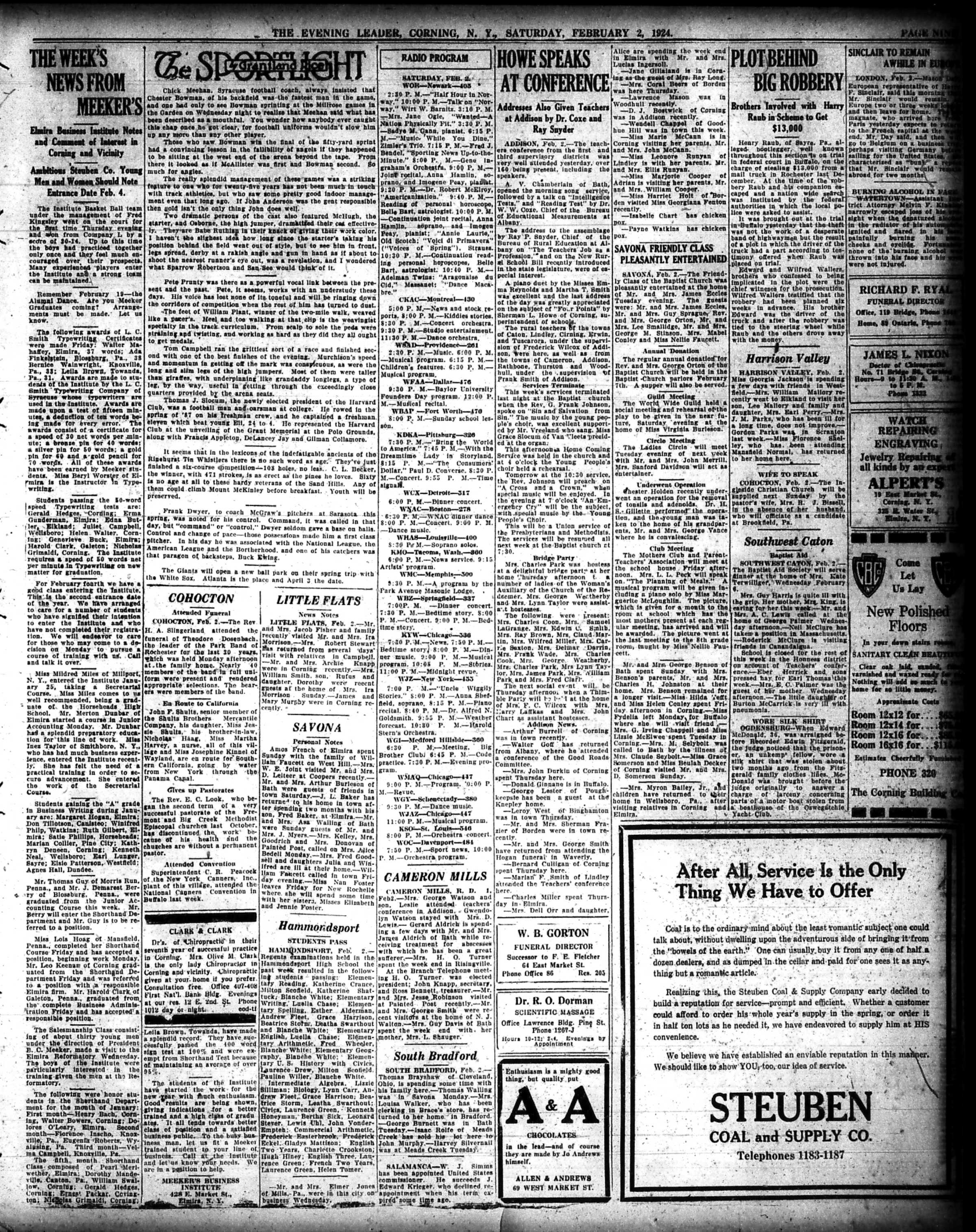
The Evening Leader, Corning, N.Y., | Page Nine

The Evening Leader, Corning, N.Y., | Page Ten

The Evening Leader, Corning, N.Y., | Page Eleven

The Evening Leader, Corning, N.Y., | Page Twelve

And just in case anyone was curious to know what happened to former President Wilson, here is the front page of the next day’s paper:

The Corning Evening Leader, February 3, 1924

Have a great weekend everyone,

Linda Reimer, SSCL

Local History Online Library Resources:

Heritage Quest: Heritage Quest is the library’s online genealogy service, and it includes access to census records and other research sources; it can be accessed by going to the Online Resources page, on the library’s website, and scrolling down until you see the link for Heritage Quest:

https://www.ssclibrary.org/research/online-resources/

Once you’ve clicked on the Heritage Quest link, you’ll be prompted to login with your card number and PIN. If you have questions about how to use Heritage Quest, please feel free to let me know – my email address is reimerl@stls.org

Enjoy the photos and be well everyone,

Linda Reimer, SSCL

*To Create A Larger View (make the photos appear bigger on your screen):

You can click on each photo for a larger view. And then click the back arrow on your web browser to go back to the previous screen.

Alternatively, you can press and hold down the CTRL key, on your keyboard, while tapping the + key on your keyboard to make the photos appear larger on your screen.

To Create A Smaller View (make the photos appear smaller on your screen – after you’ve made them appear larger):

 Press and hold the CTRL key on your keyboard and tap the – sign to make the photos appear smaller again.

And If You Use A Mouse – CTRL & Scroll:

If you use a mouse you can do what is called “control and scroll”, to make photos appear larger and then smaller on your screen. To do this –>press and hold down the CTRL key on your keyboard and push the scroll wheel on your mouse away from you for a larger view. To reverse the larger view hold down the same CTRL key on your keyboard and pull the scroll wheel on your mouse towards you.

Library Local History/Creation Station Resources:
At the library you can scan your photos and slides to create digital family albums and slideshows; and even use one of the Circut machines, and other Creation Station equipment, to help you create a special paper family history album.

Also of note, we have the local paper, at times called the Corning Leader, Corning Journal or Corning Daily Journal, on microfilm from 1840 to the present — so you can visit the library and research local history and your family tree if you wish!

Local History Photos & Newspaper: January 26, 2024

Hi everyone, here are the Local History Photos of the Week!

Local History photos are published on Fridays; and the next local history photo posting will be up on Friday, February 2, 2024.

Helpful Photo Viewing Tips are found at the end of the posting for anyone who would like a few tips on how best to view the photos*

Local History Photo 1: The Centerway Bridge, Corning N.Y. (1921)

For more information on the bridge check out this page on the Gaffer District site.

https://www.gafferdistrict.com/downtown-corning/featured-landmarks/centerway-walking-bridge/

Local History Photo 2: The Old State Street Viaduct, Corning, N.Y.

Local History Photo 3:Corning Glass Works, Corning, New York Postcard

A Glimpse of Local Life: A Hundred Years Ago!

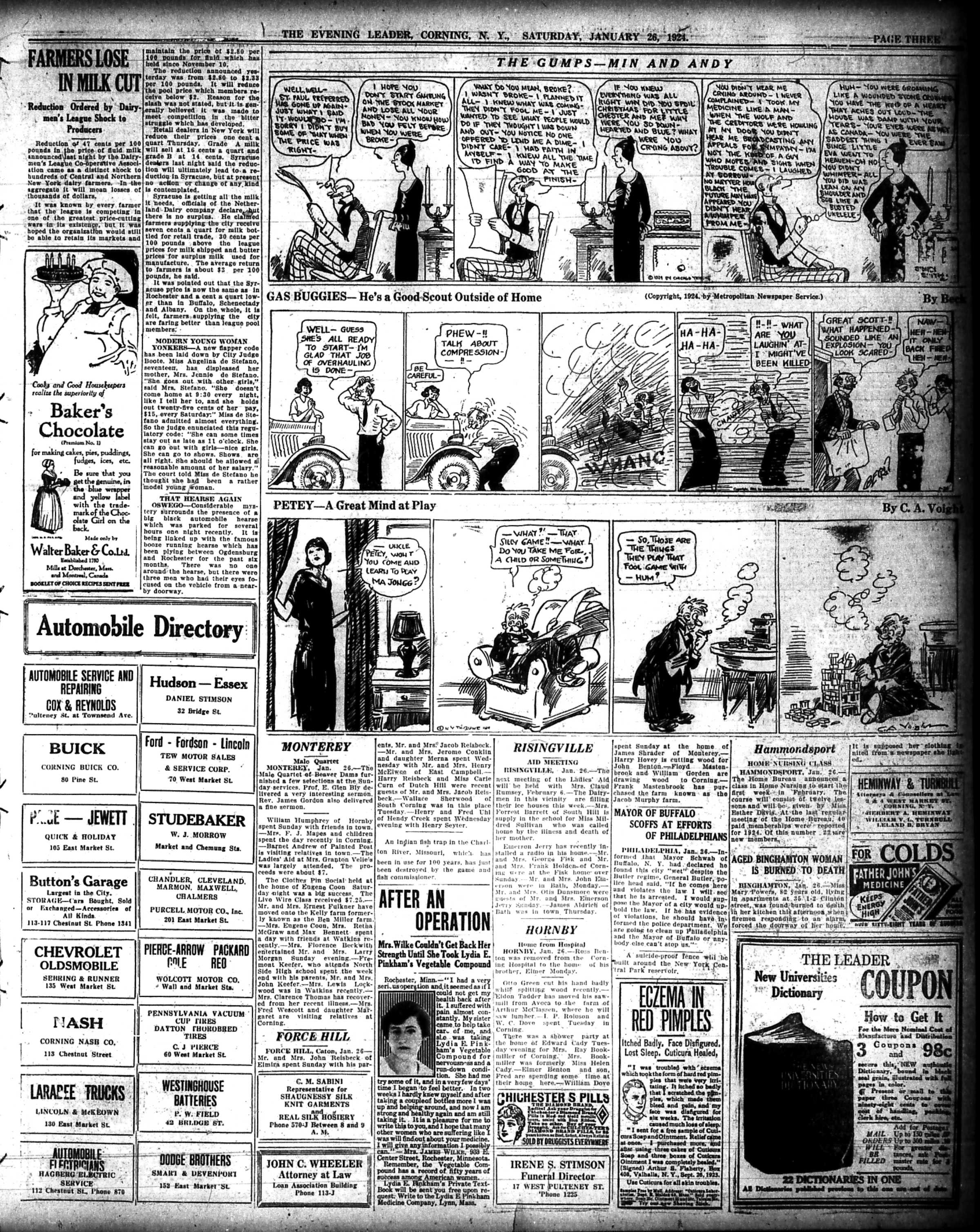
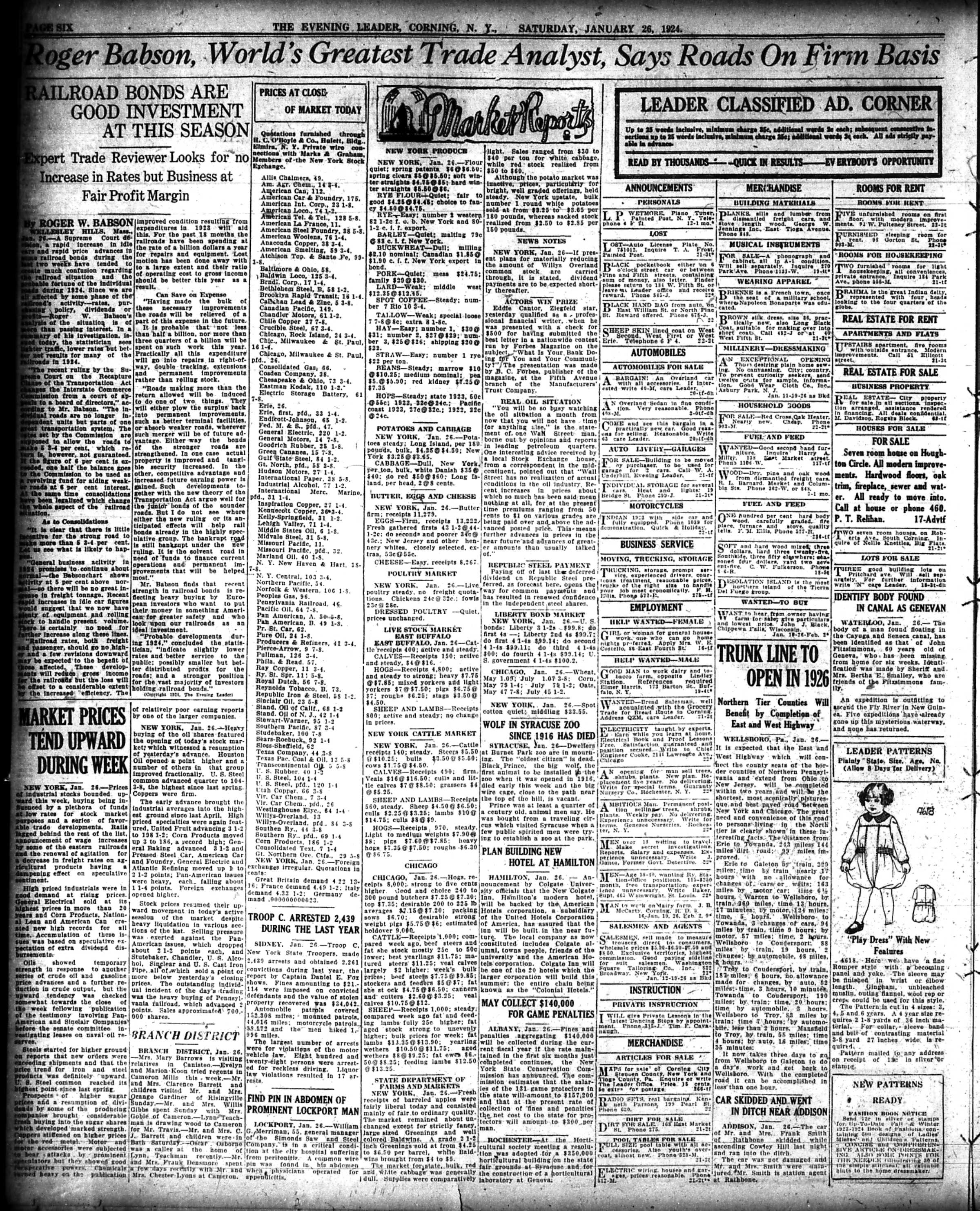
Here is an entire issue of The Evening Leader, Corning, N.Y. published on this day in 1924.

The Evening Leader, Corning, N.Y., January 26, 1924 | Front Page

The Evening Leader, Corning, N.Y., January 26, 1924 | Page Two

The Evening Leader, Corning, N.Y., January 26, 1924 | Page Three

The Evening Leader, Corning, N.Y., January 26, 1924 | Page Four

The Evening Leader, Corning, N.Y., January 26, 1924 | Page Five

The Evening Leader, Corning, N.Y., January 26, 1924 | Page Six

The Evening Leader, Corning, N.Y., January 26, 1924 | Page Seven

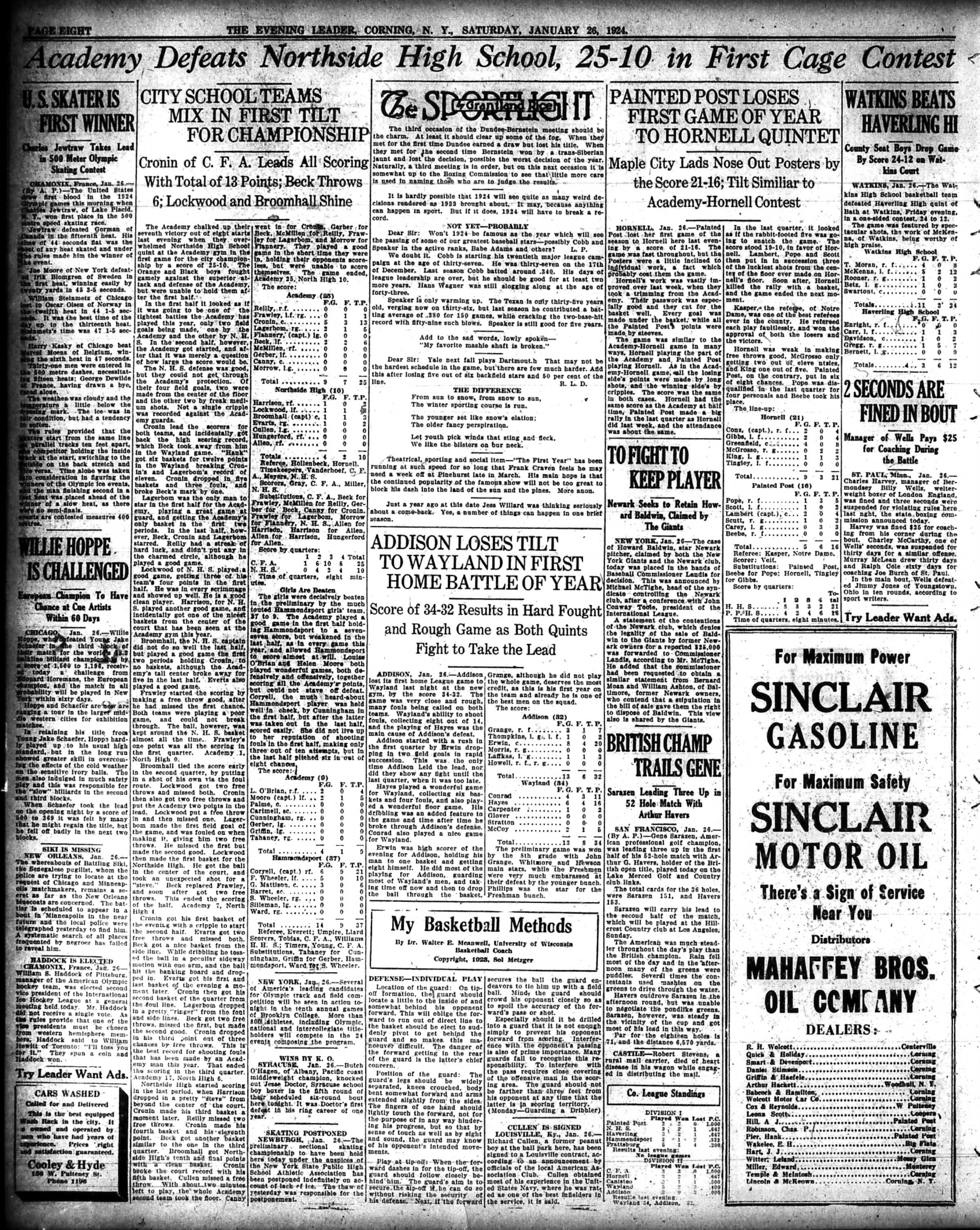
The Evening Leader, Corning, N.Y., January 26, 1924 | Page Eight

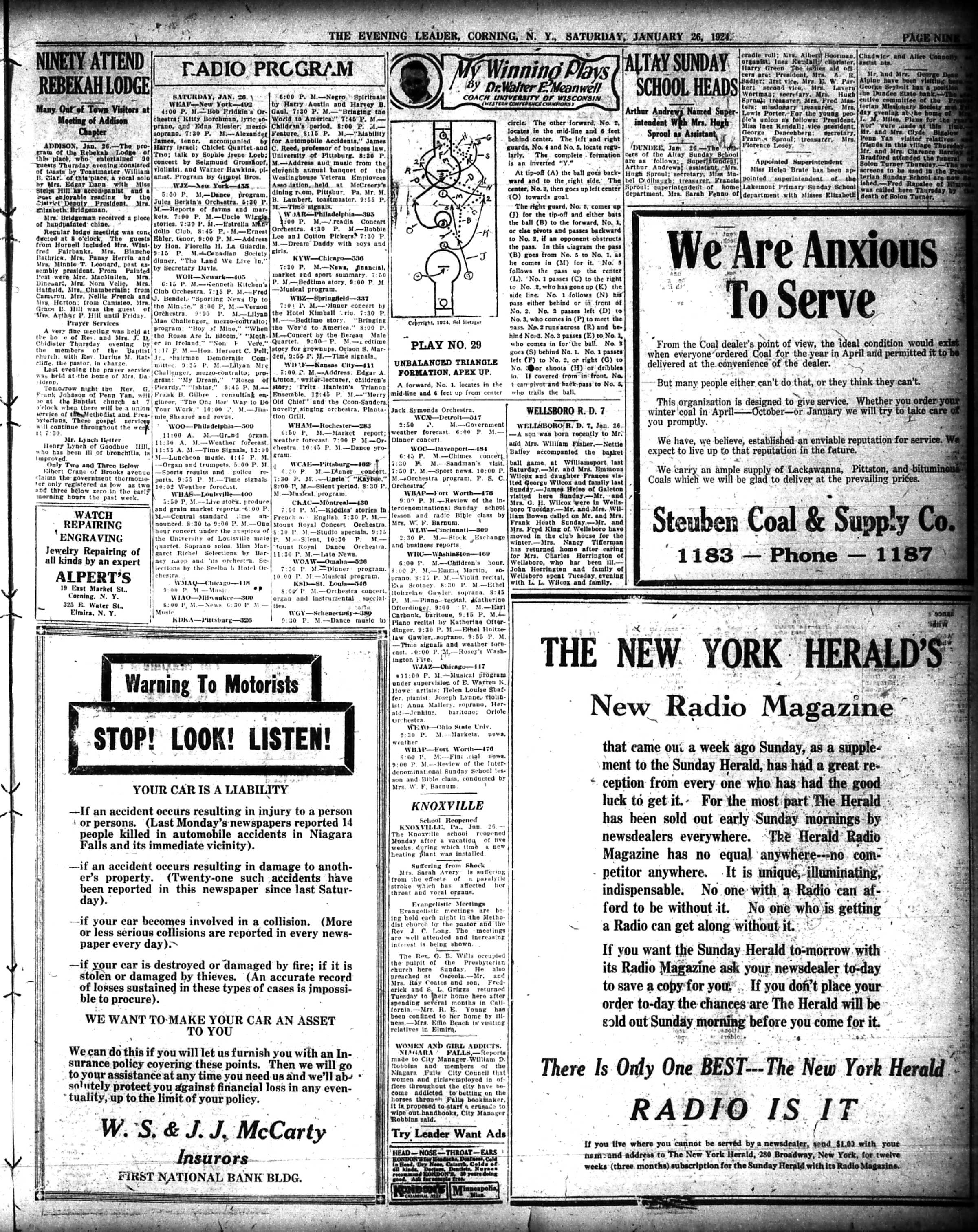
The Evening Leader, Corning, N.Y., January 26, 1924 | Page Nine

The Evening Leader, Corning, N.Y., January 26, 1924 | Page Ten

The Evening Leader, Corning, N.Y., January 26, 1924 | Page Eleven

The Evening Leader, Corning, N.Y., January 26, 1924 | Page Twelve

Have a great weekend everyone,

Linda Reimer, SSCL

Local History Online Library Resources:

Heritage Quest: Heritage Quest is the library’s online genealogy service, and it includes access to census records and other research sources; it can be accessed by going to the Online Resources page, on the library’s website, and scrolling down until you see the link for Heritage Quest:

https://www.ssclibrary.org/research/online-resources/

Once you’ve clicked on the Heritage Quest link, you’ll be prompted to login with your card number and PIN. If you have questions about how to use Heritage Quest, please feel free to let me know – my email address is reimerl@stls.org

Enjoy the photos and be well everyone,

Linda Reimer, SSCL

*To Create A Larger View (make the photos appear bigger on your screen):

You can click on each photo for a larger view. And then click the back arrow on your web browser to go back to the previous screen.

Alternatively, you can press and hold down the CTRL key, on your keyboard, while tapping the + key on your keyboard to make the photos appear larger on your screen.

To Create A Smaller View (make the photos appear smaller on your screen – after you’ve made them appear larger):

 Press and hold the CTRL key on your keyboard and tap the – sign to make the photos appear smaller again.

And If You Use A Mouse – CTRL & Scroll:

If you use a mouse you can do what is called “control and scroll”, to make photos appear larger and then smaller on your screen. To do this –>press and hold down the CTRL key on your keyboard and push the scroll wheel on your mouse away from you for a larger view. To reverse the larger view hold down the same CTRL key on your keyboard and pull the scroll wheel on your mouse towards you.

Library Local History/Creation Station Resources:
At the library you can scan your photos and slides to create digital family albums and slideshows; and even use one of the Circut machines, and other Creation Station equipment, to help you create a special paper family history album.

Also of note, we have the local paper, at times called the Corning Leader, Corning Journal or Corning Daily Journal, on microfilm from 1840 to the present — so you can visit the library and research local history and your family tree if you wish!

Local History Photos & Newspaper: January 19, 2024

Hi everyone, here are the Local History Photos of the Week!

Local History photos are published on Fridays; and the next local history photo posting will be up on Friday, January 26, 2024.

Helpful Photo Viewing Tips are found at the end of the posting for anyone who would like a few tips on how best to view the photos*

Local History Photo 1: City Club Fire Aftermath (Corner of Pine & First, Corning)

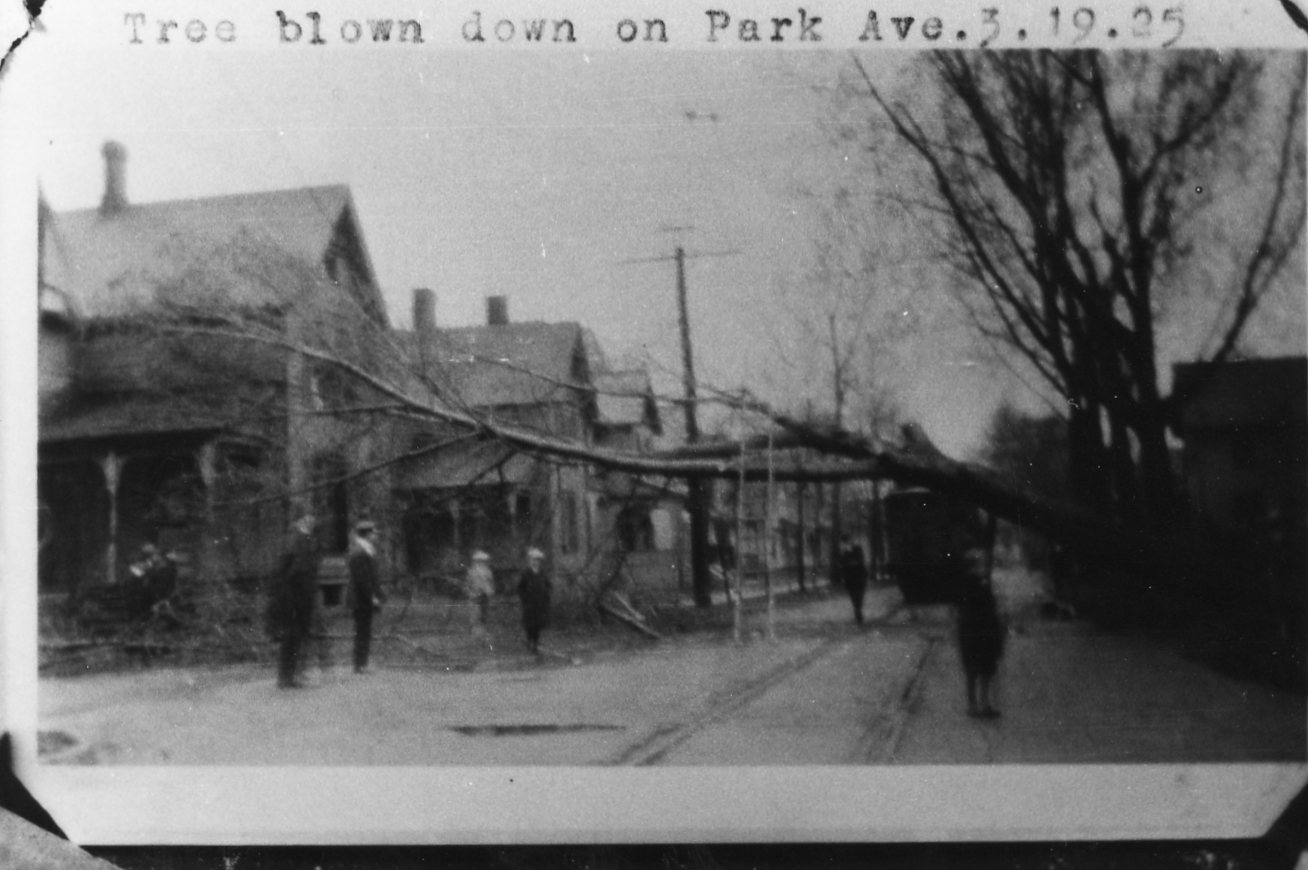
Local History Photo 2: Tree Blown Down on Park Ave, Corning (Date: March 19, 1925)

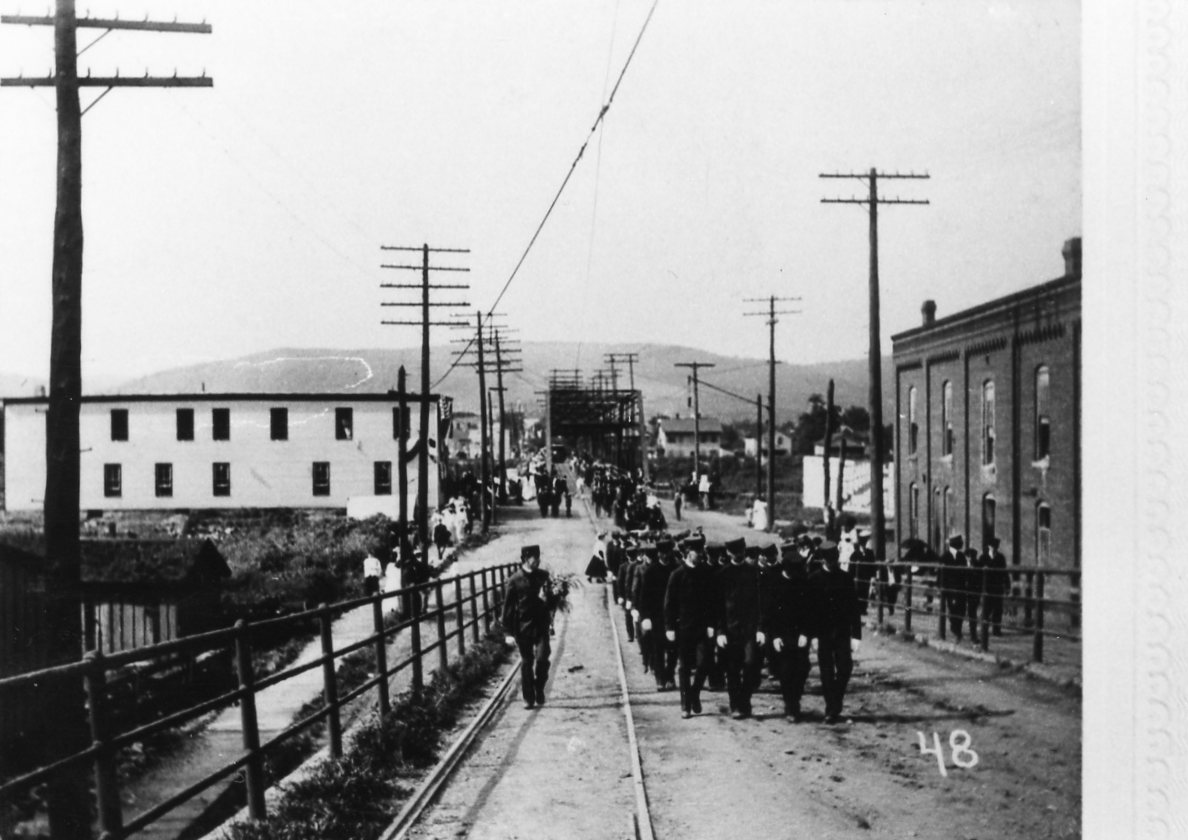
Local History Photo 3:Parade in Corning, N.Y.

A Glimpse of Local Life: A Hundred Years Ago!

Here is an entire issue of The Evening Leader, Corning, N.Y. published on this day in 1924.

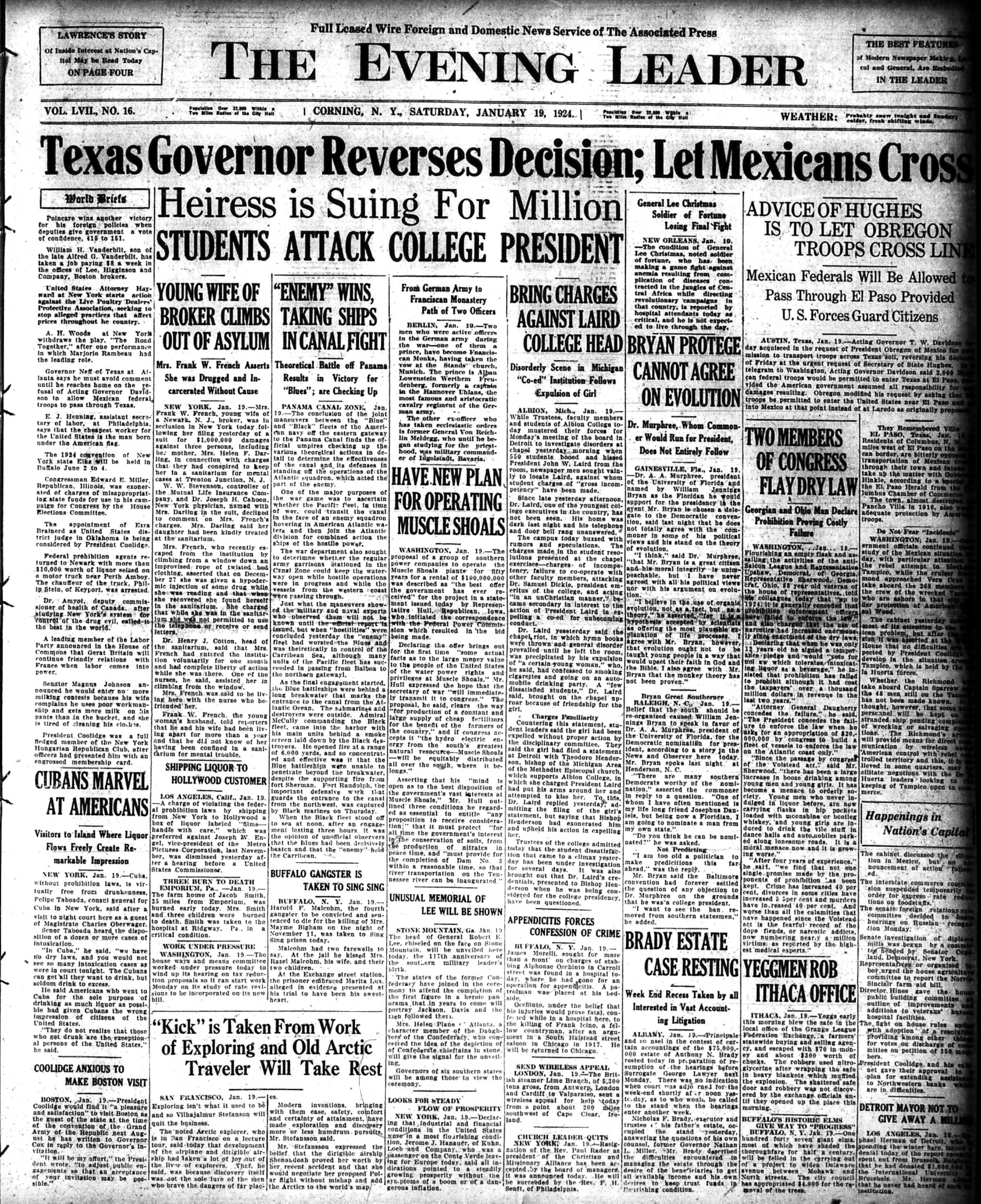
The Evening Leader, Corning, N.Y., January 19, 1924 | Front Page

The Evening Leader, Corning, N.Y., January 19, 1924 | Page Two

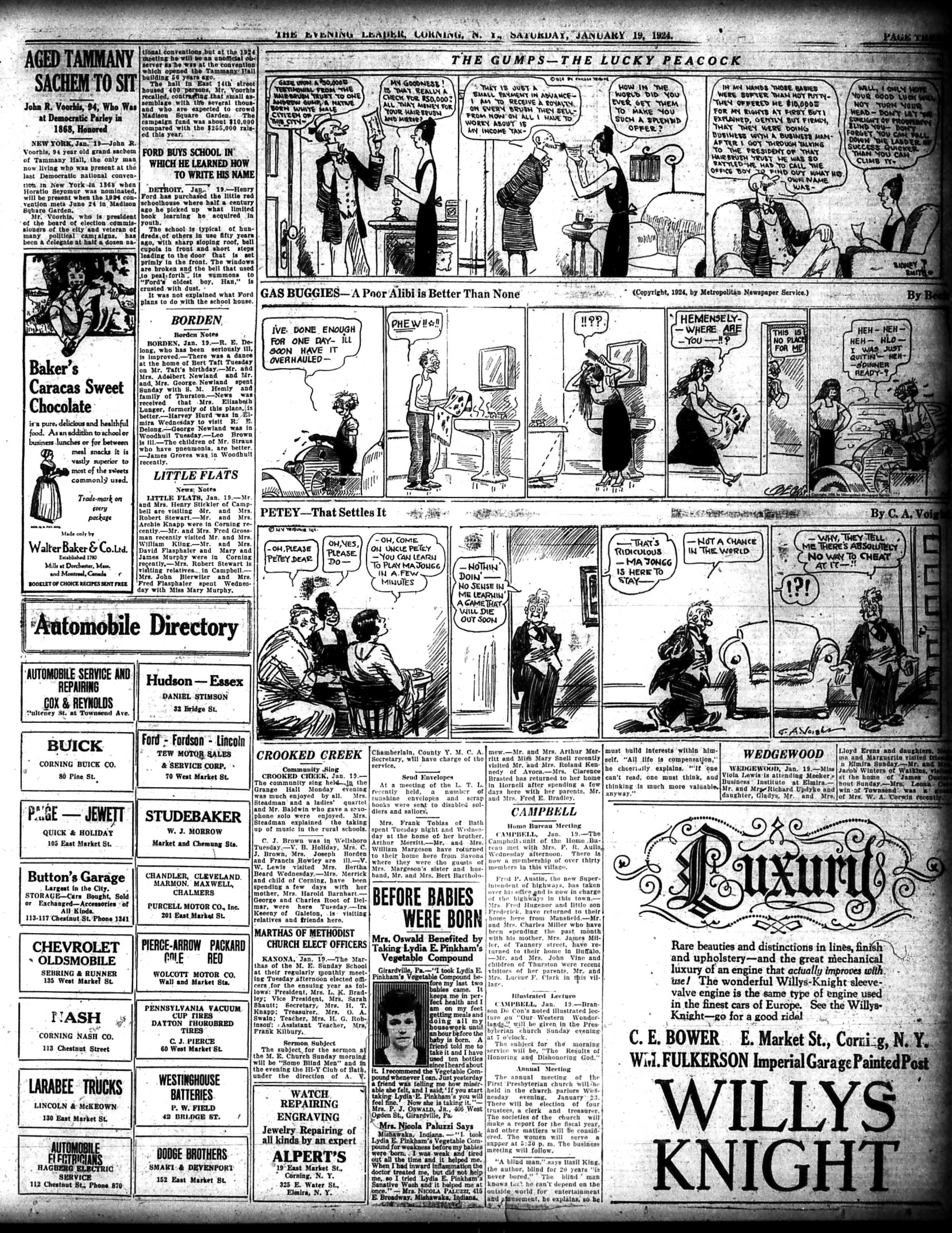
The Evening Leader, Corning, N.Y., January 19, 1924 | Page Three

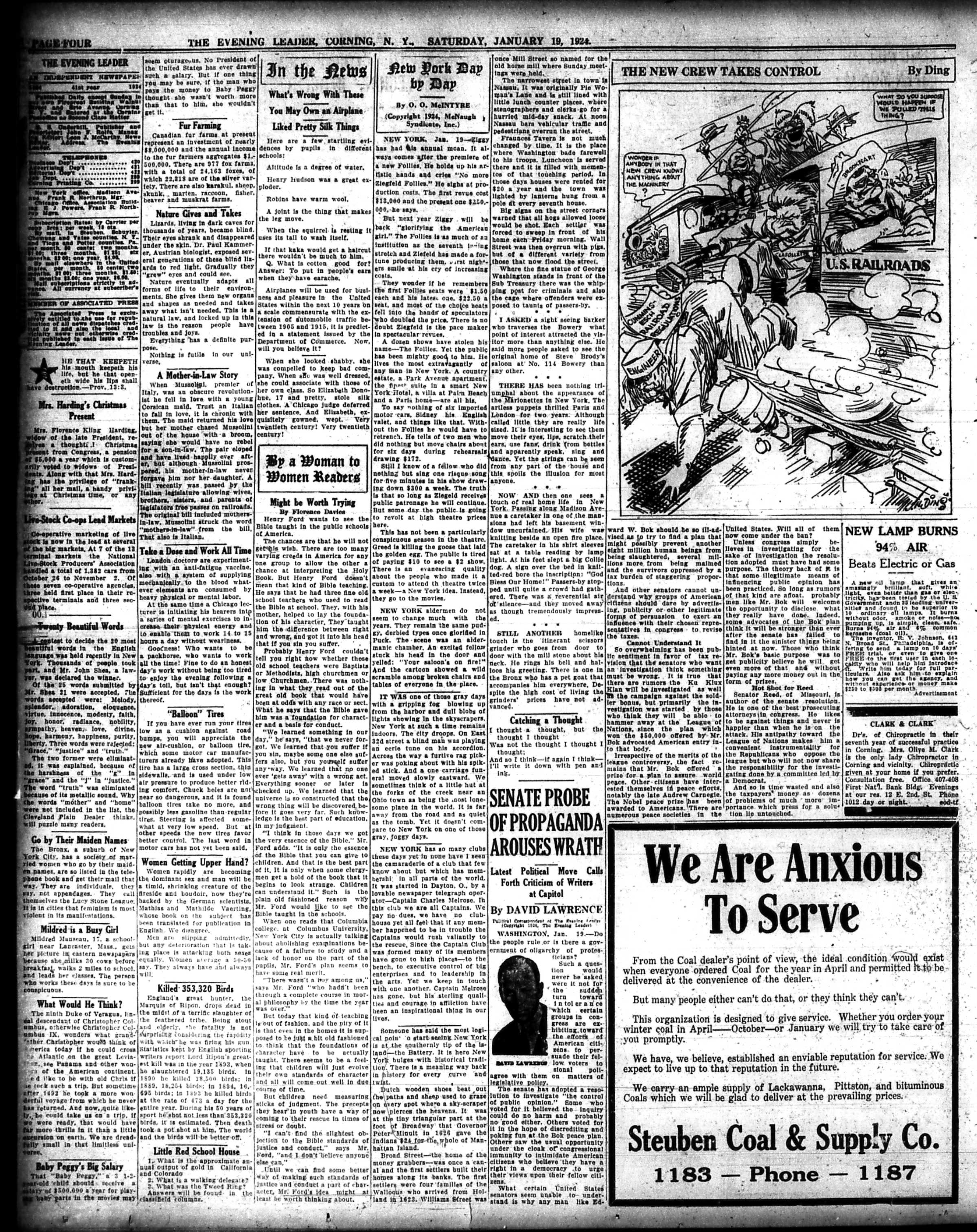
The Evening Leader, Corning, N.Y., January 19, 1924 | Page Four

The Evening Leader, Corning, N.Y., January 19, 1924 | Page Five

The Evening Leader, Corning, N.Y., January 19, 1924 | Page Six

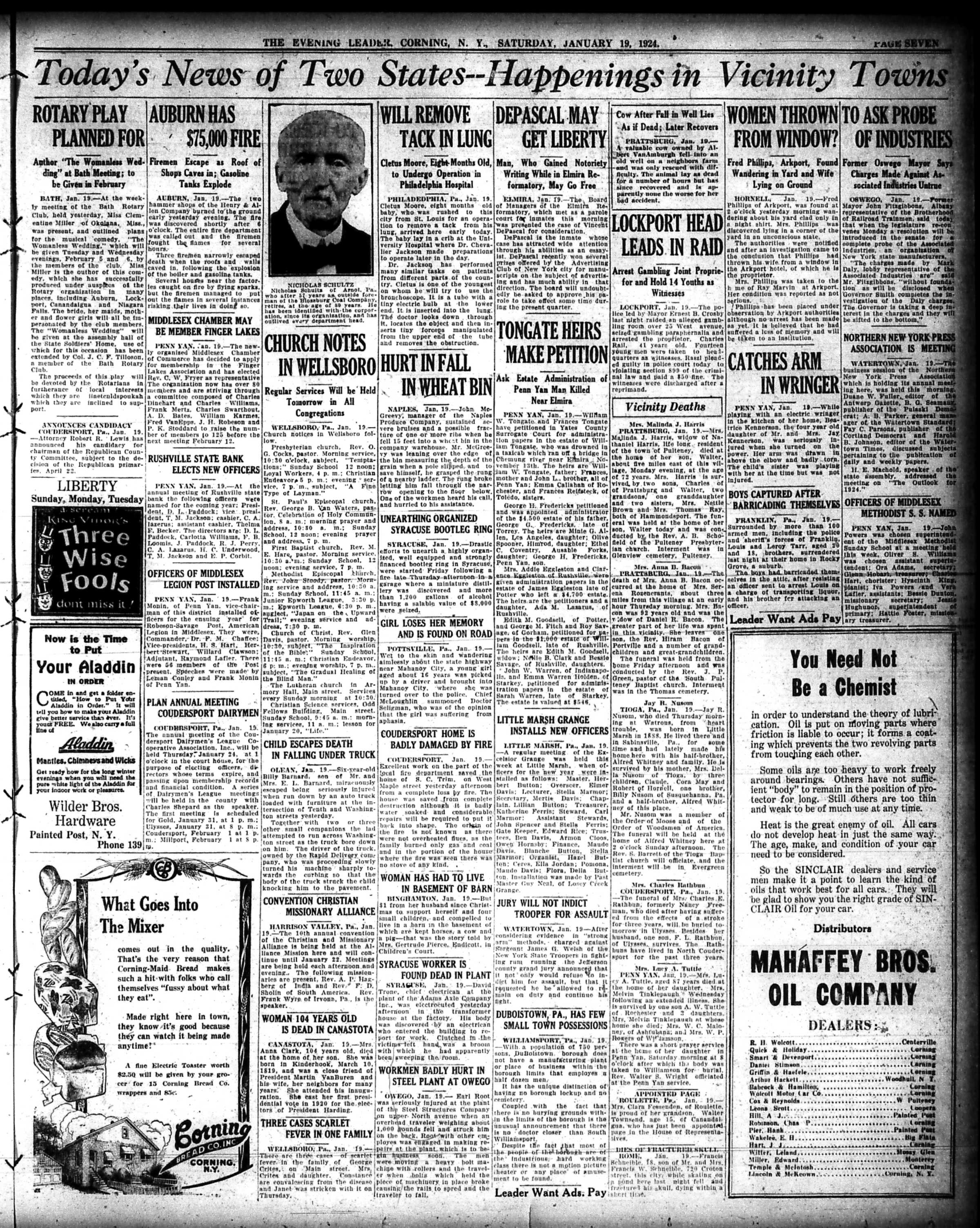
The Evening Leader, Corning, N.Y., January 19, 1924 | Page Seven

The Evening Leader, Corning, N.Y., January 19, 1924 | Page Eight

The Evening Leader, Corning, N.Y., January 19, 1924 | Page Nine

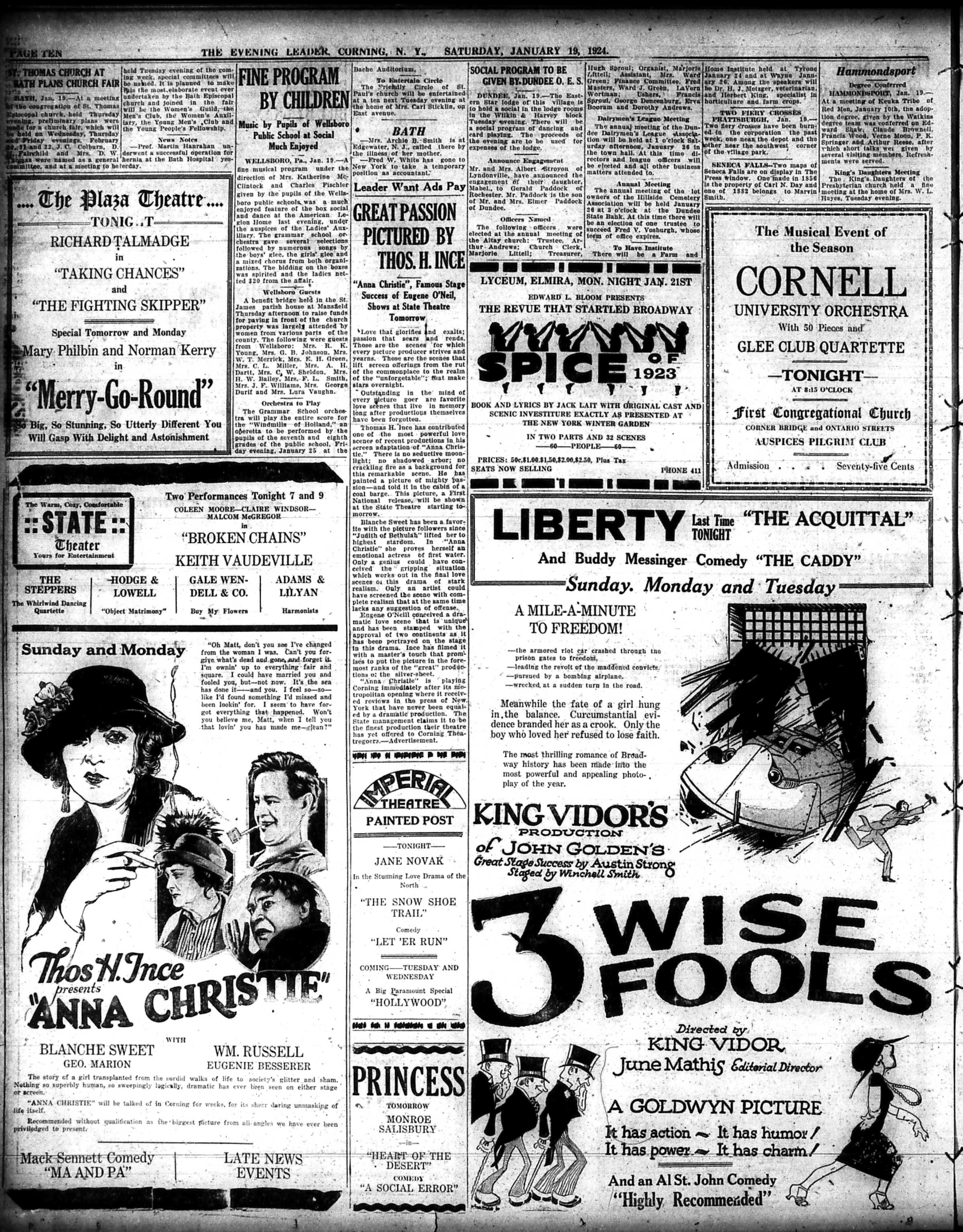
The Evening Leader, Corning, N.Y., January 19, 1924 | Page Ten

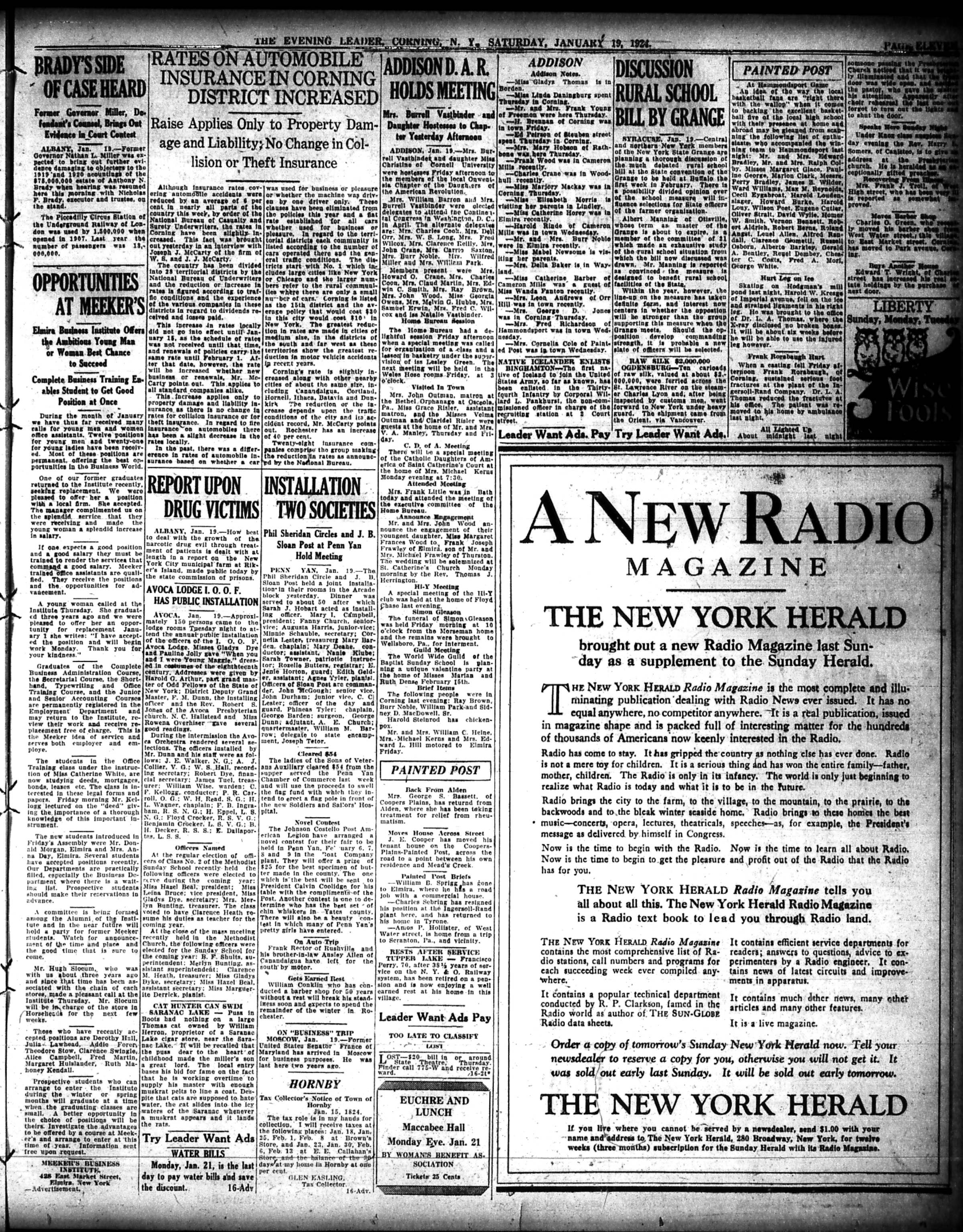
The Evening Leader, Corning, N.Y., January 19, 1924 | Page Eleven

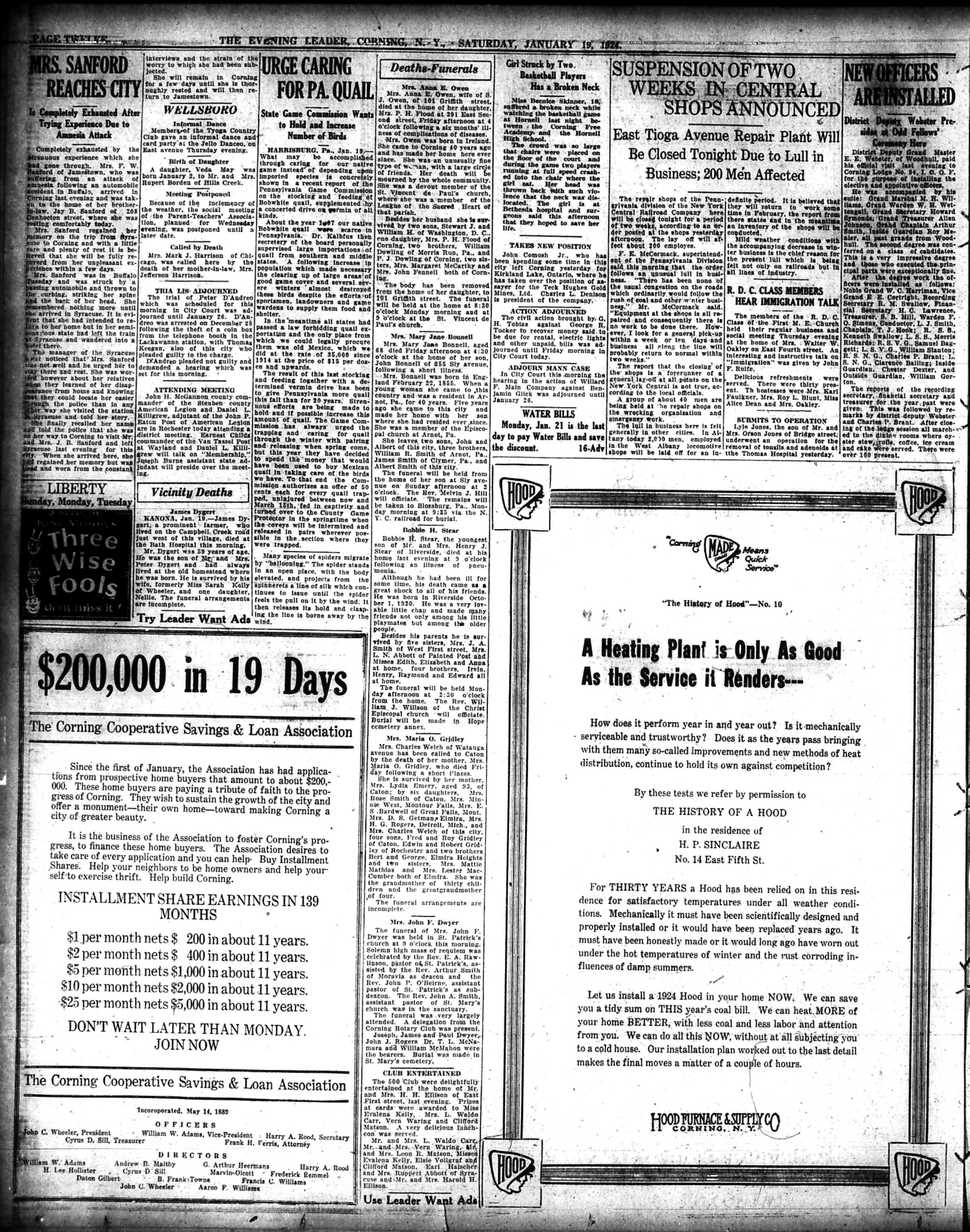
The Evening Leader, Corning, N.Y., January 19, 1924 | Page Twelve

Have a great weekend everyone,

Linda Reimer, SSCL

Local History Online Library Resources:

Heritage Quest: Heritage Quest is the library’s online genealogy service, and it includes access to census records and other research sources; it can be accessed by going to the Online Resources page, on the library’s website, and scrolling down until you see the link for Heritage Quest:

https://www.ssclibrary.org/research/online-resources/

Once you’ve clicked on the Heritage Quest link, you’ll be prompted to login with your card number and PIN. If you have questions about how to use Heritage Quest, please feel free to let me know – my email address is reimerl@stls.org

Enjoy the photos and be well everyone,

Linda Reimer, SSCL

*To Create A Larger View (make the photos appear bigger on your screen):

You can click on each photo for a larger view. And then click the back arrow on your web browser to go back to the previous screen.

Alternatively, you can press and hold down the CTRL key, on your keyboard, while tapping the + key on your keyboard to make the photos appear larger on your screen.

To Create A Smaller View (make the photos appear smaller on your screen – after you’ve made them appear larger):

 Press and hold the CTRL key on your keyboard and tap the – sign to make the photos appear smaller again.

And If You Use A Mouse – CTRL & Scroll:

If you use a mouse you can do what is called “control and scroll”, to make photos appear larger and then smaller on your screen. To do this –>press and hold down the CTRL key on your keyboard and push the scroll wheel on your mouse away from you for a larger view. To reverse the larger view hold down the same CTRL key on your keyboard and pull the scroll wheel on your mouse towards you.

Library Local History/Creation Station Resources:
At the library you can scan your photos and slides to create digital family albums and slideshows; and even use one of the Circut machines, and other Creation Station equipment, to help you create a special paper family history album.

Also of note, we have the local paper, at times called the Corning Leader, Corning Journal or Corning Daily Journal, on microfilm from 1840 to the present — so you can visit the library and research local history and your family tree if you wish!

Local History Photos & Newspaper: January 12, 2024

Hi everyone, here are the Local History Photos of the Week!

Local History photos are published on Fridays; and the next local history photo posting will be up on Friday, January 19, 2024.

Helpful Photo Viewing Tips are found at the end of the posting for anyone who would like a few tips on how best to view the photos*

The library’s Local History Photo Archive is now available online, through this blog. You can access all the photos, and the in-the-process-of-being updated Excel index by going to https://corningnyhistory.com/ and then clicking on the fourth menu option from the left, for Local History Photo Archive.

Local History Photo 1: First Presbyterian Church, Corning, N.Y. | After A Fire (c. late 1920s)

Local History Photo 2: Pine Street, Corning, N.Y. | Looking northward towards Pine Square (c. early 1900s)

Local History Photo 3: The Old Club House, Corning, N.Y. (c late 1900s)

A Glimpse of Local Life: A Hundred Years Ago!

Courtesy of old newspaper, The Evening Leader, Corning, N.Y.; published on this day in 1924.

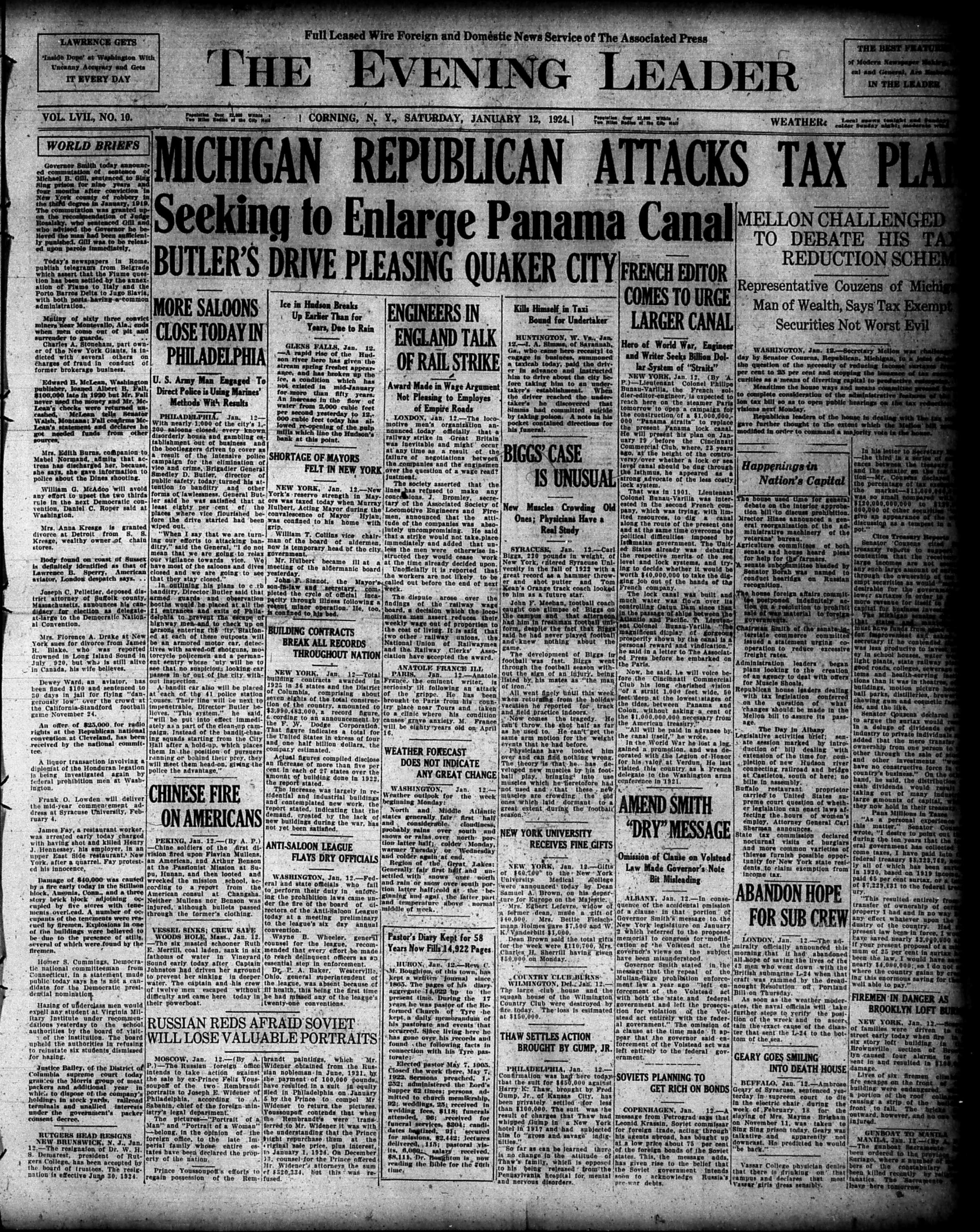
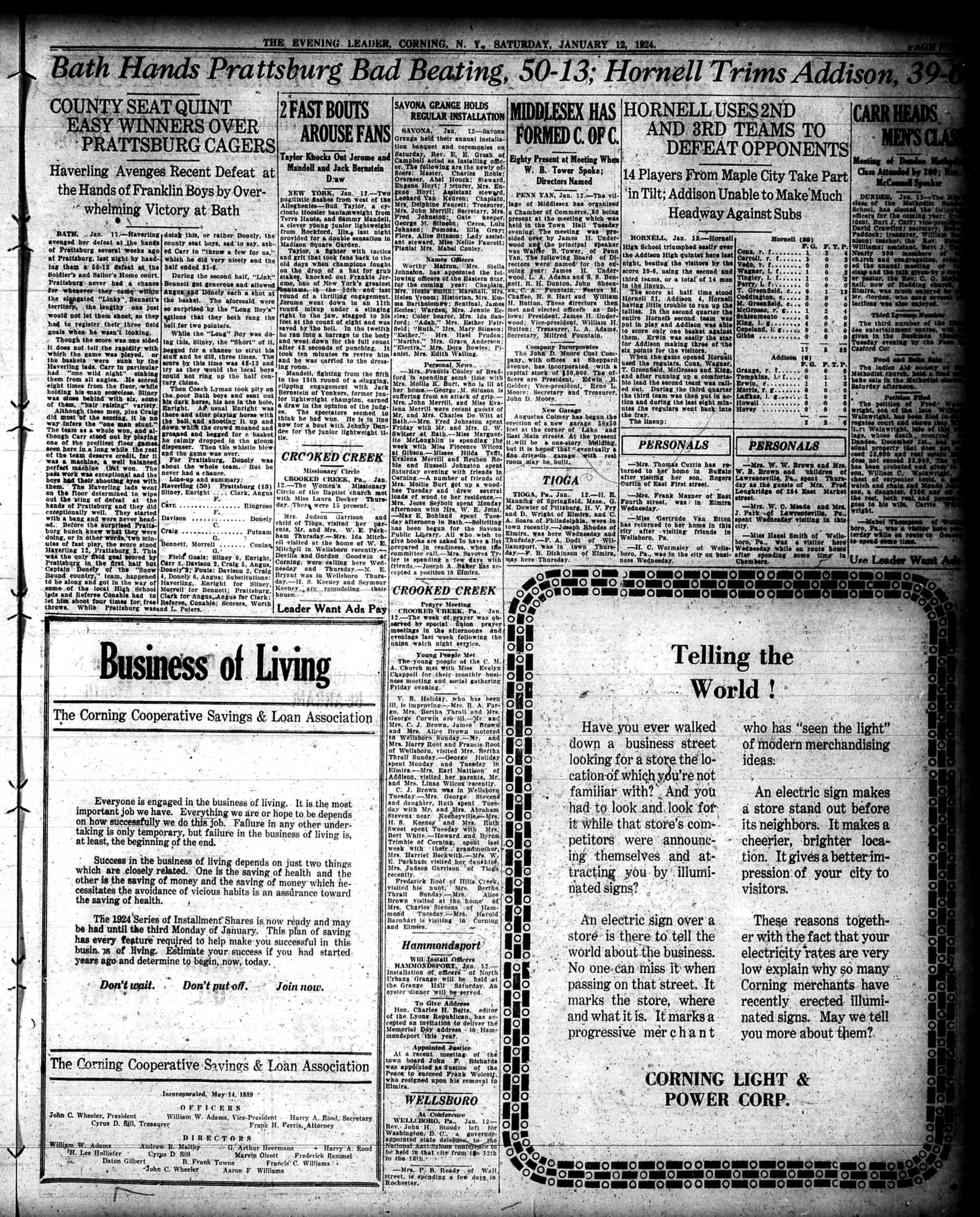
The Evening Leader, Corning, N.Y., January 12, 1924 | Front Page

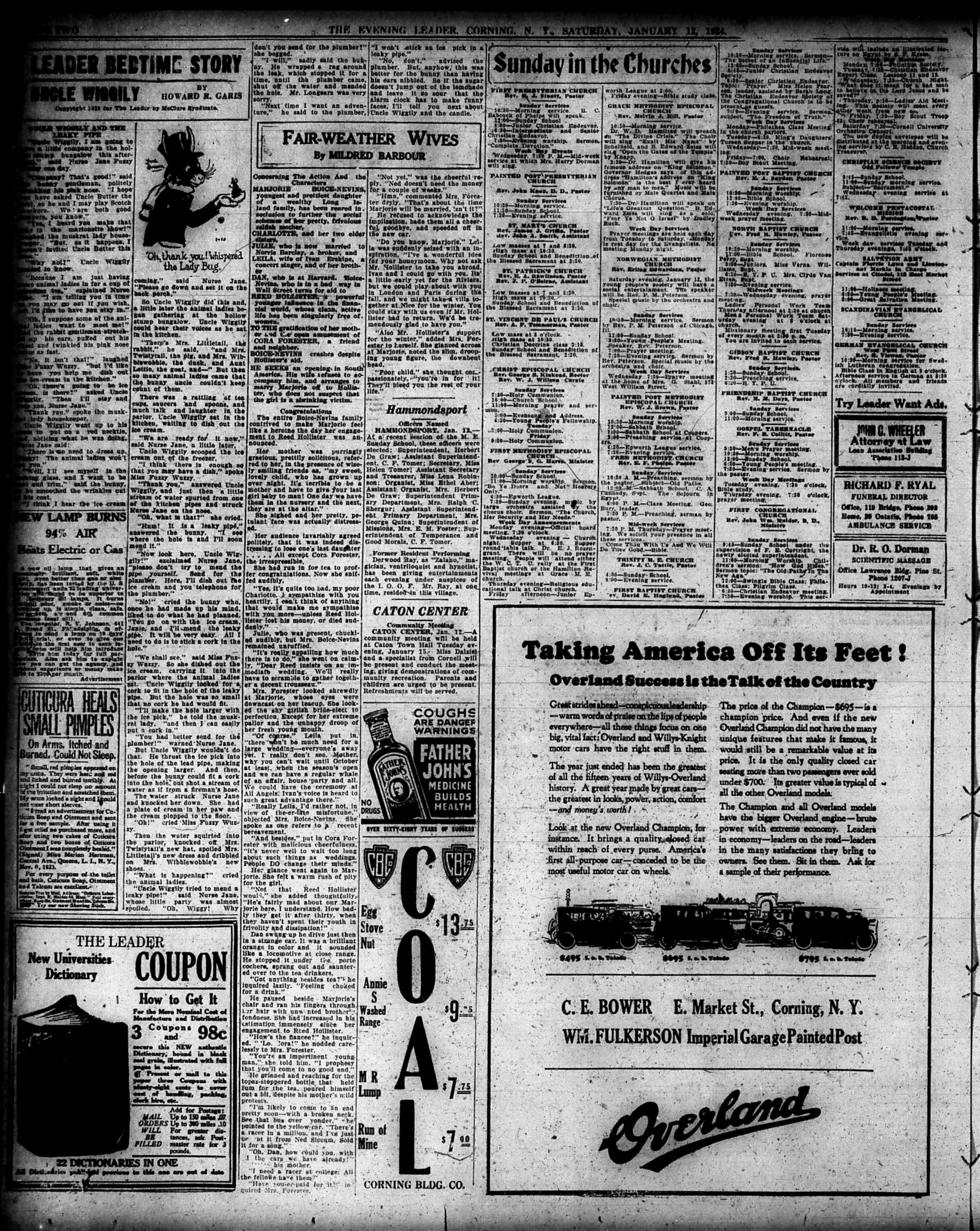
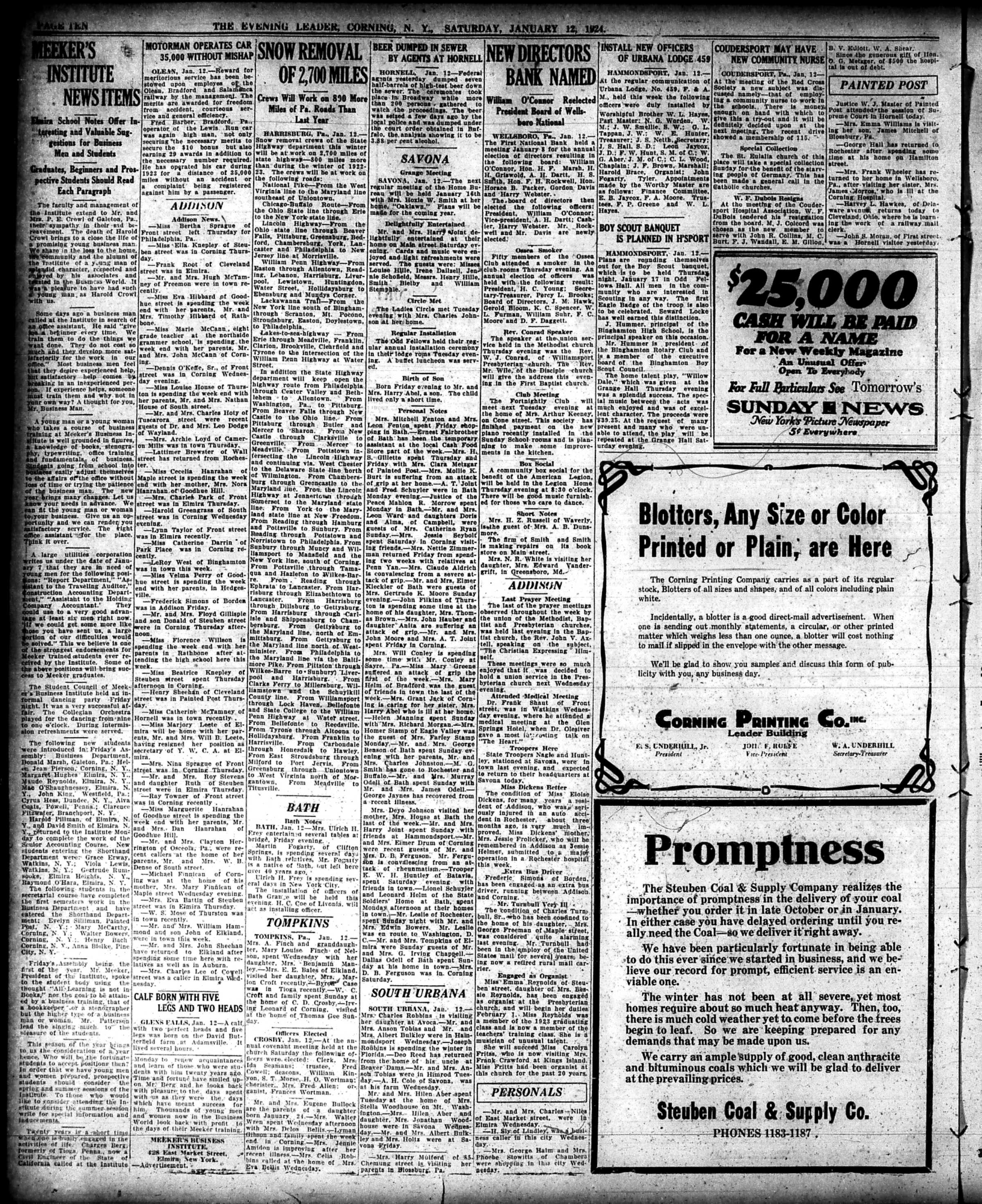
The Evening Leader, Corning, N.Y., January 12, 1924 | Page Two

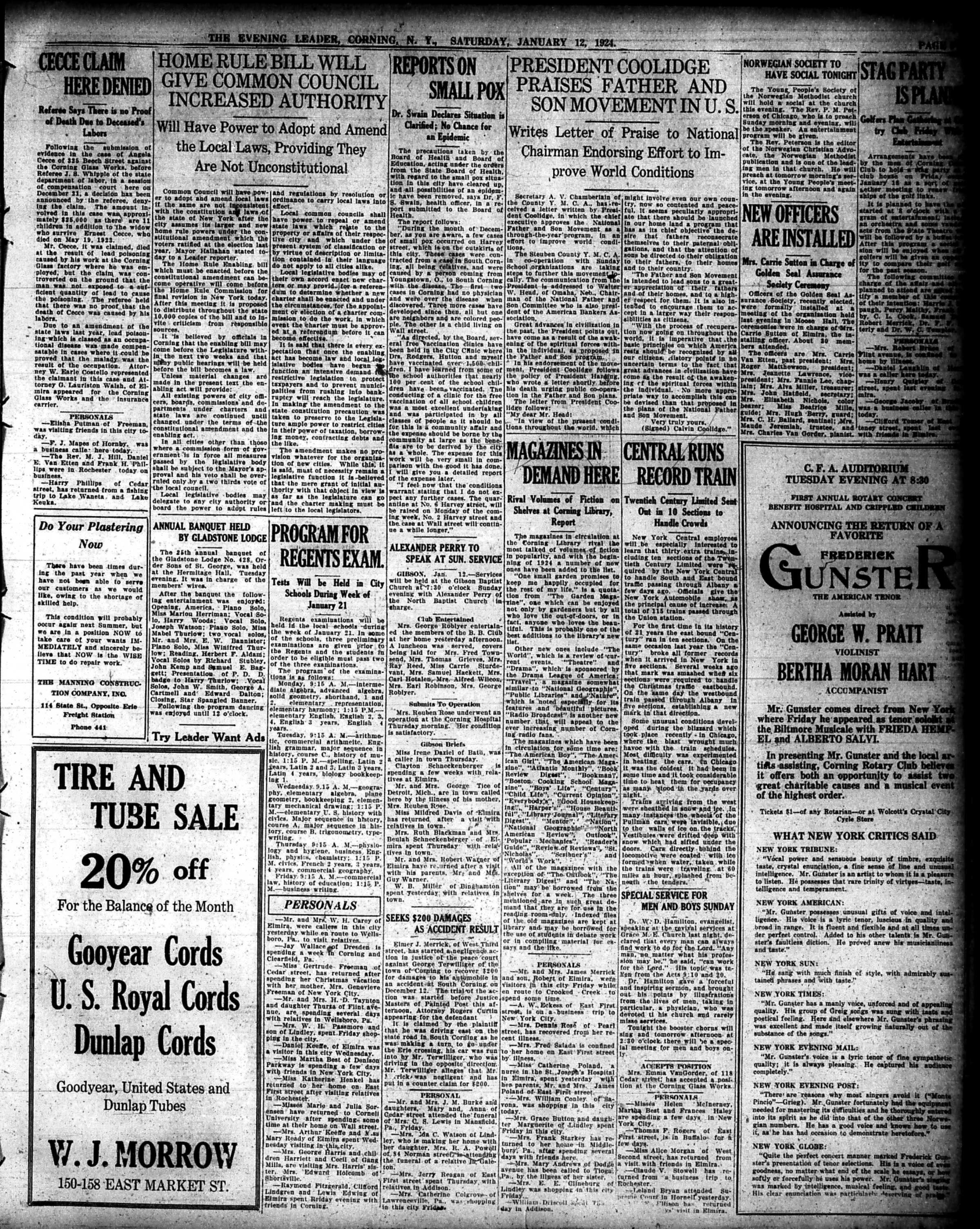
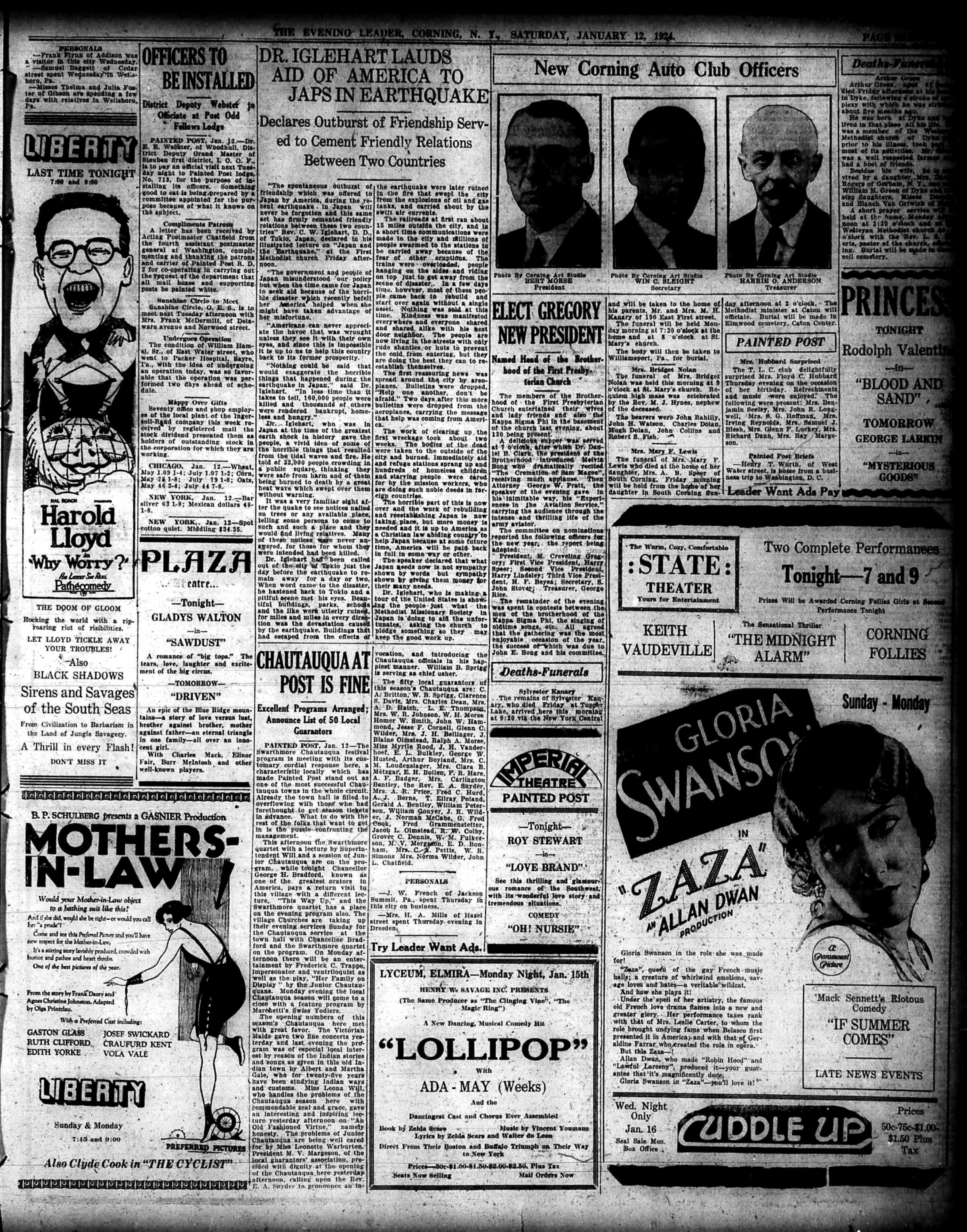
The Evening Leader, Corning, N.Y., January 12, 1924 | Page Three

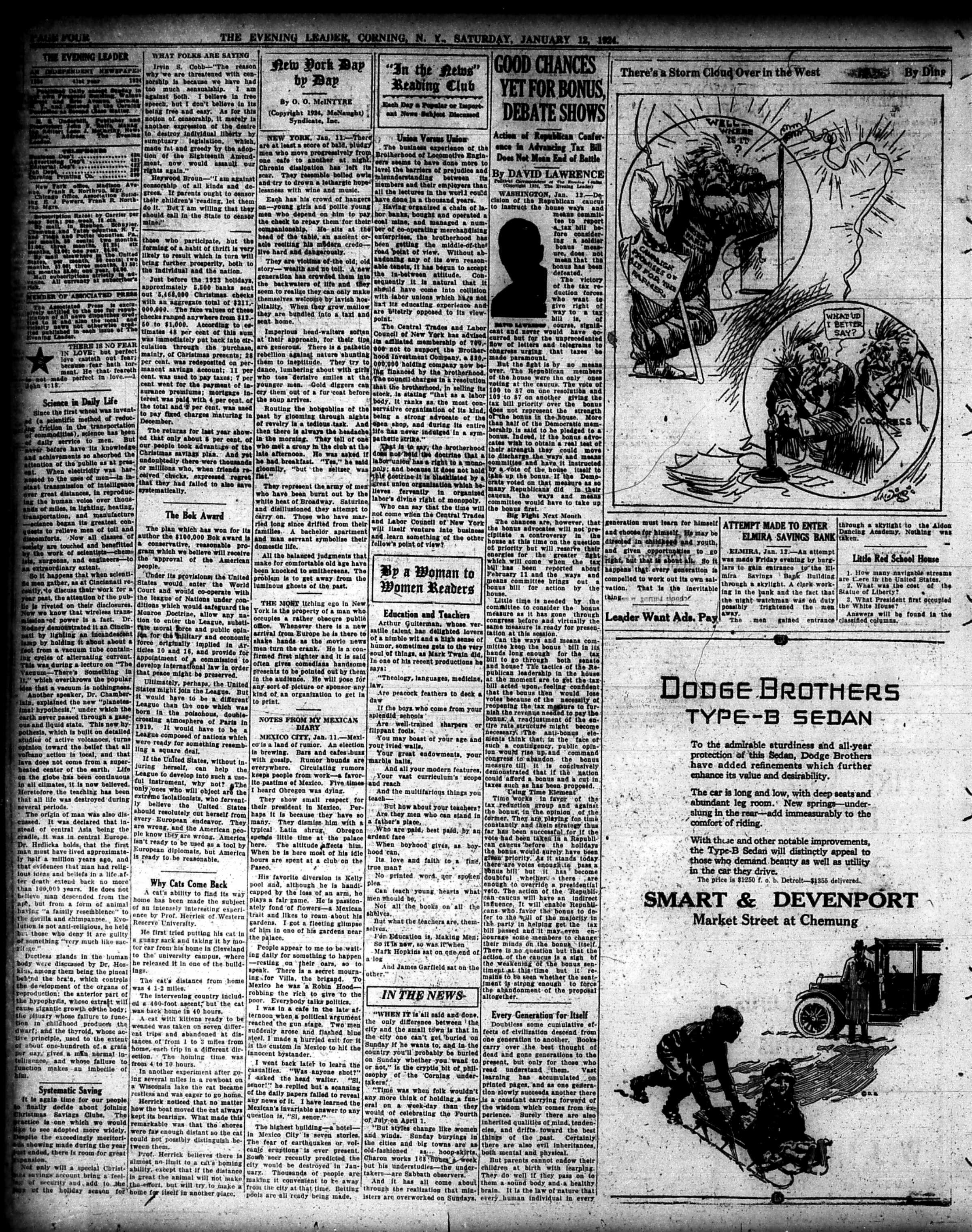
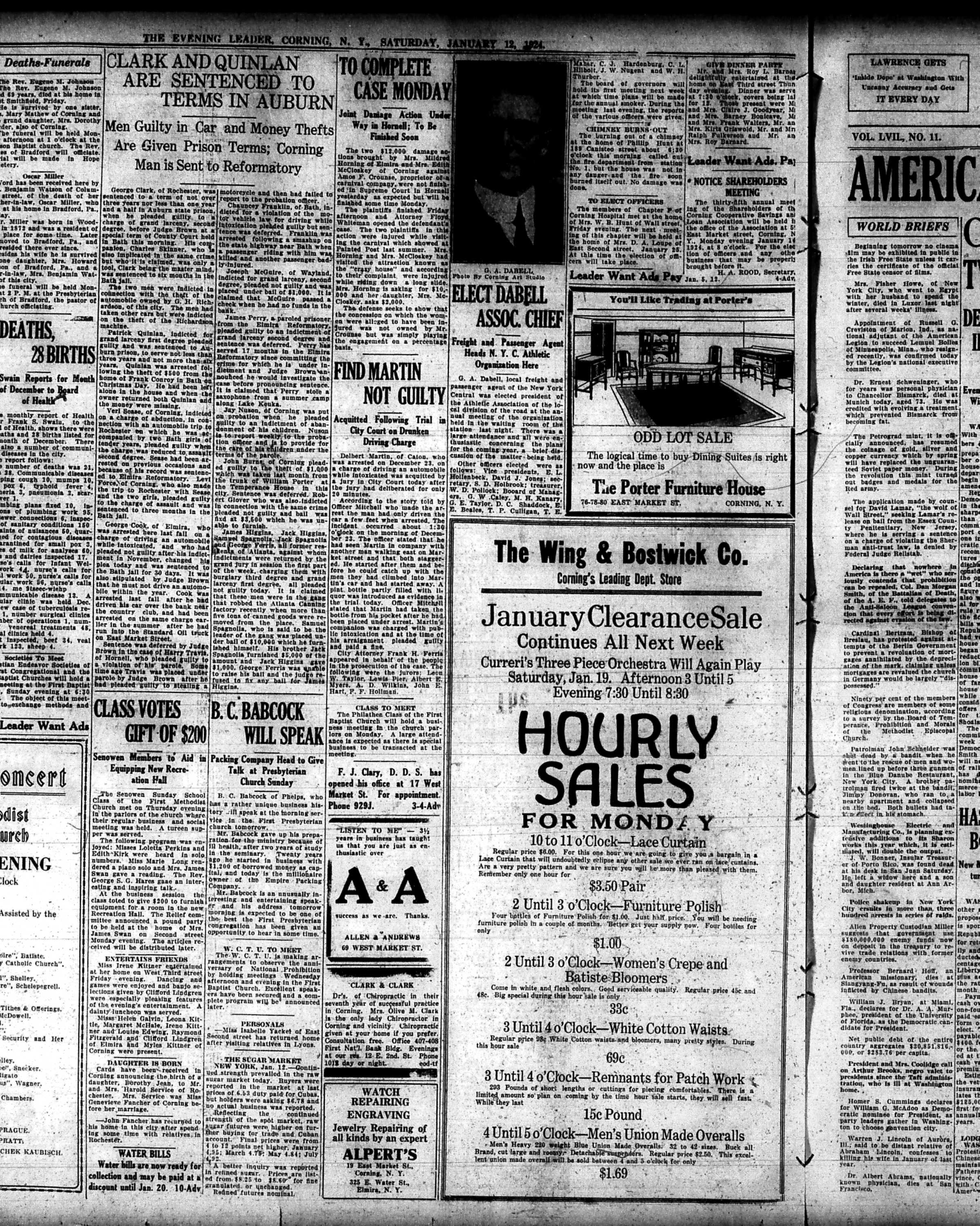
The Evening Leader, Corning, N.Y., January 12, 1924 | Page Four

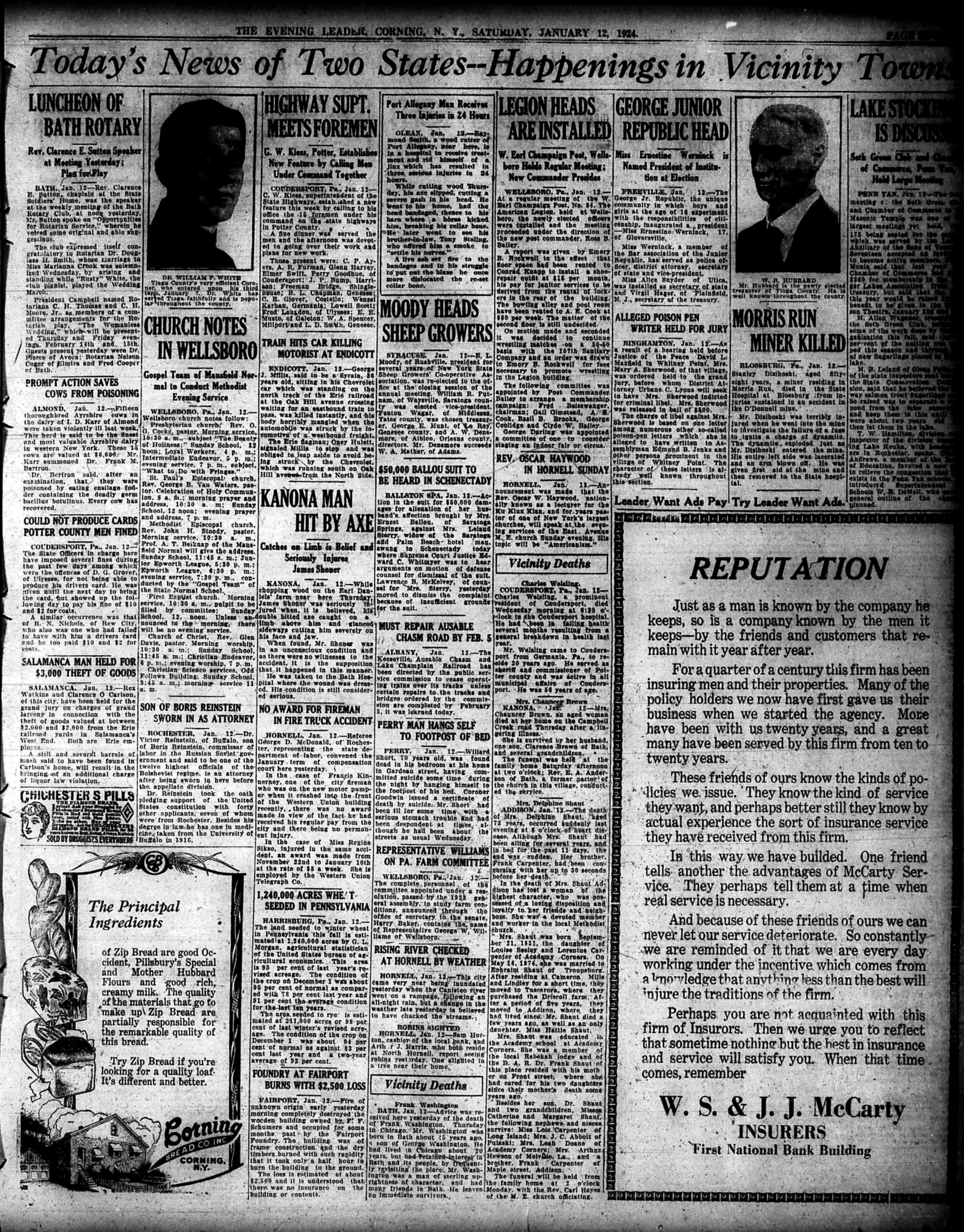
The Evening Leader, Corning, N.Y., January 12, 1924 | Page Five

The Evening Leader, Corning, N.Y., January 12, 1924 | Page Six

The Evening Leader, Corning, N.Y., January 12, 1924 | Page Seven

The Evening Leader, Corning, N.Y., January 12, 1924 | Page Eight

The Evening Leader, Corning, N.Y., January 12, 1924 | Page Nine

The Evening Leader, Corning, N.Y., January 12, 1924 | Page Ten

The Evening Leader, Corning, N.Y., January 12, 1924 | Page Eleven

The Evening Leader, Corning, N.Y., January 12, 1924 | Page Twelve

Have a great weekend everyone,

Linda Reimer, SSCL

Local History Online Library Resources:

Heritage Quest: Heritage Quest is the library’s online genealogy service, and it includes access to census records and other research sources; it can be accessed by going to the Online Resources page, on the library’s website, and scrolling down until you see the link for Heritage Quest:

https://www.ssclibrary.org/research/online-resources/

Once you’ve clicked on the Heritage Quest link, you’ll be prompted to login with your card number and PIN. If you have questions about how to use Heritage Quest, please feel free to let me know – my email address is reimerl@stls.org

Enjoy the photos and be well everyone,

Linda Reimer, SSCL

*To Create A Larger View (make the photos appear bigger on your screen):

You can click on each photo for a larger view. And then click the back arrow on your web browser to go back to the previous screen.

Alternatively, you can press and hold down the CTRL key, on your keyboard, while tapping the + key on your keyboard to make the photos appear larger on your screen.

To Create A Smaller View (make the photos appear smaller on your screen – after you’ve made them appear larger):

 Press and hold the CTRL key on your keyboard and tap the – sign to make the photos appear smaller again.

And If You Use A Mouse – CTRL & Scroll:

If you use a mouse you can do what is called “control and scroll”, to make photos appear larger and then smaller on your screen. To do this –>press and hold down the CTRL key on your keyboard and push the scroll wheel on your mouse away from you for a larger view. To reverse the larger view hold down the same CTRL key on your keyboard and pull the scroll wheel on your mouse towards you.

Library Local History/Creation Station Resources:
At the library you can scan your photos and slides to create digital family albums and slideshows; and even use one of the Circut machines, and other Creation Station equipment, to help you create a special paper family history album.

Also of note, we have the local paper, at times called the Corning Leader, Corning Journal or Corning Daily Journal, on microfilm from 1840 to the present — so you can visit the library and research local history and your family tree if you wish!

Corning NY History Blog Update

Hi everyone, I just want to update you before I start updating our local history blog. I’m going to remove all old posts, the ones published prior to December 2023, and will be uploading all of the photos in the library’s Local History Photo Archive to this site.

I will continue to publish local history blog posts each Friday, including photos, complete old newspapers and more.

Look for a new page on the blog titled Local History Photo Archive.

So just a head up, as the change unfold this week!

Linda Reimer, SSCL

Local History Photos: December 29, 2023

Hi everyone, here are the Local History Photos of the Week!

Local History photos are published on Fridays; and the next local history photo posting will be up on Friday, January 5, 2024

Helpful Photo Viewing Tips are found at the end of the posting for anyone who would like a few tips on how best to view the photos*

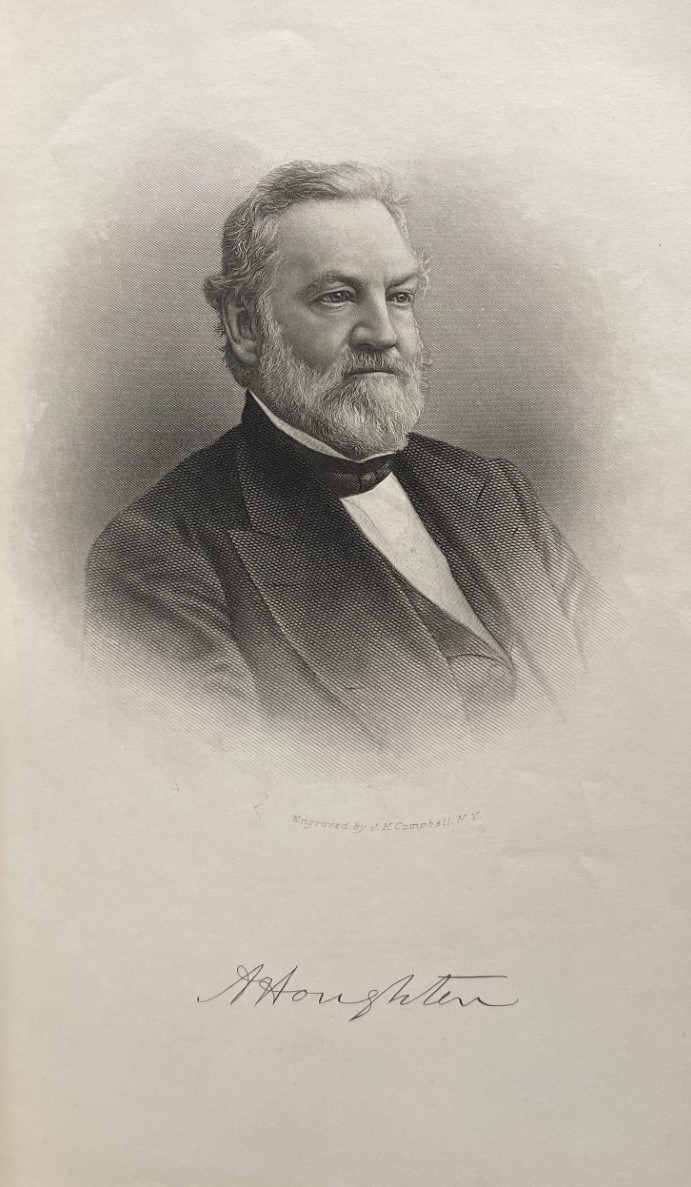
Local History Photos of the Week: Prominent Citizens of Corning (of yesteryear!)

This week I’m going to do something a little different and share portraits of four prominent citizens of Corning – prominent in the nineteenth and early twentieth century. My original intention was to also include a few paragraphs about each individual to illustrate what he was known for in his day; however, I am running out of week – so for this week, I will post the photos and next week, I’ll post a mini bio of each gentleman, along with the regular Friday local history post.

The portraits are taken from a book in the public domain, copies of which can be found at the library; the book is:

And here are the four portraits:

Amory Houghton Jr. (the first local Amory Houghton Jr.)

James Drake

Charles Denison

Quincy Wellington

A Glimpse of Local Life: A Hundred Years Ago!

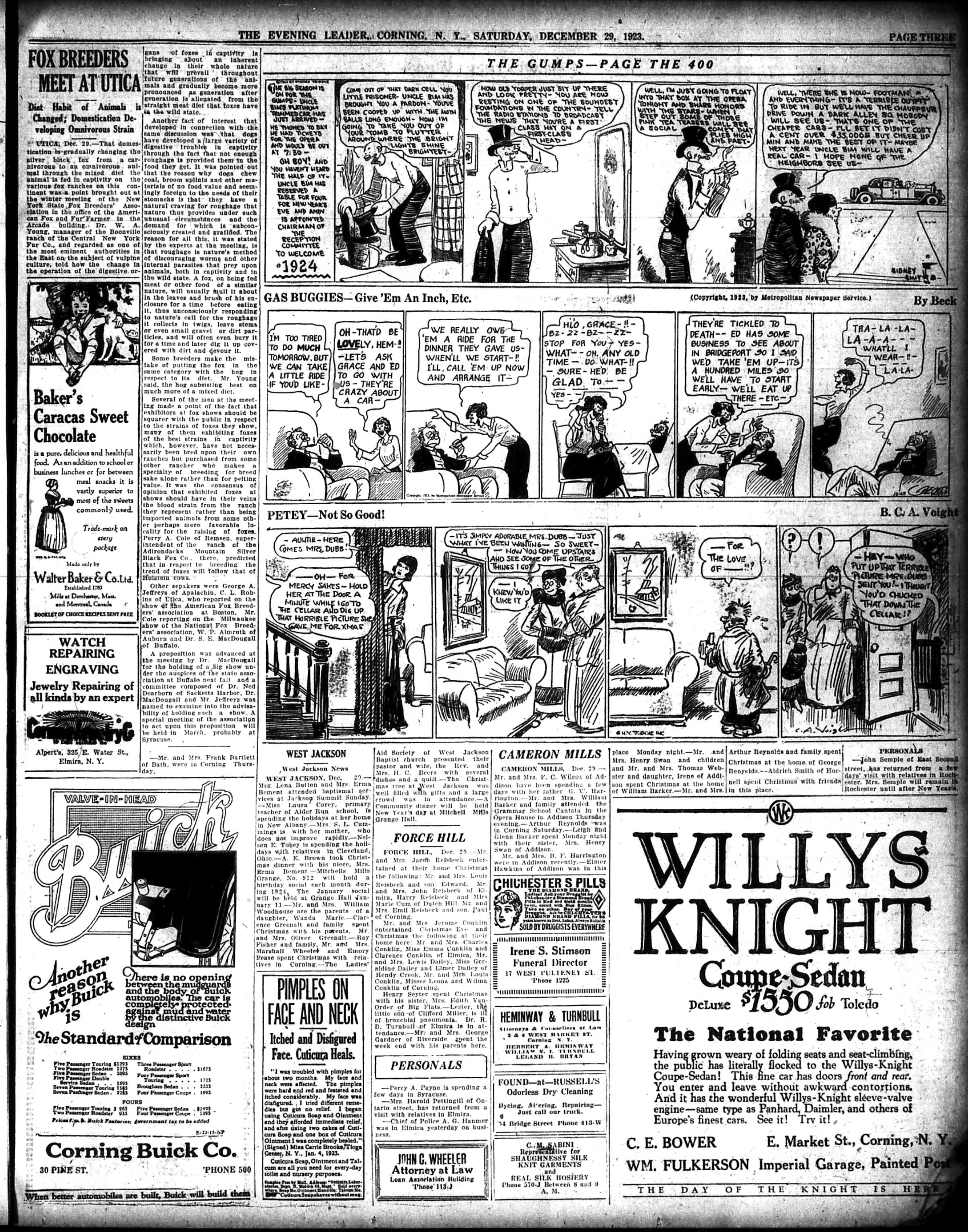
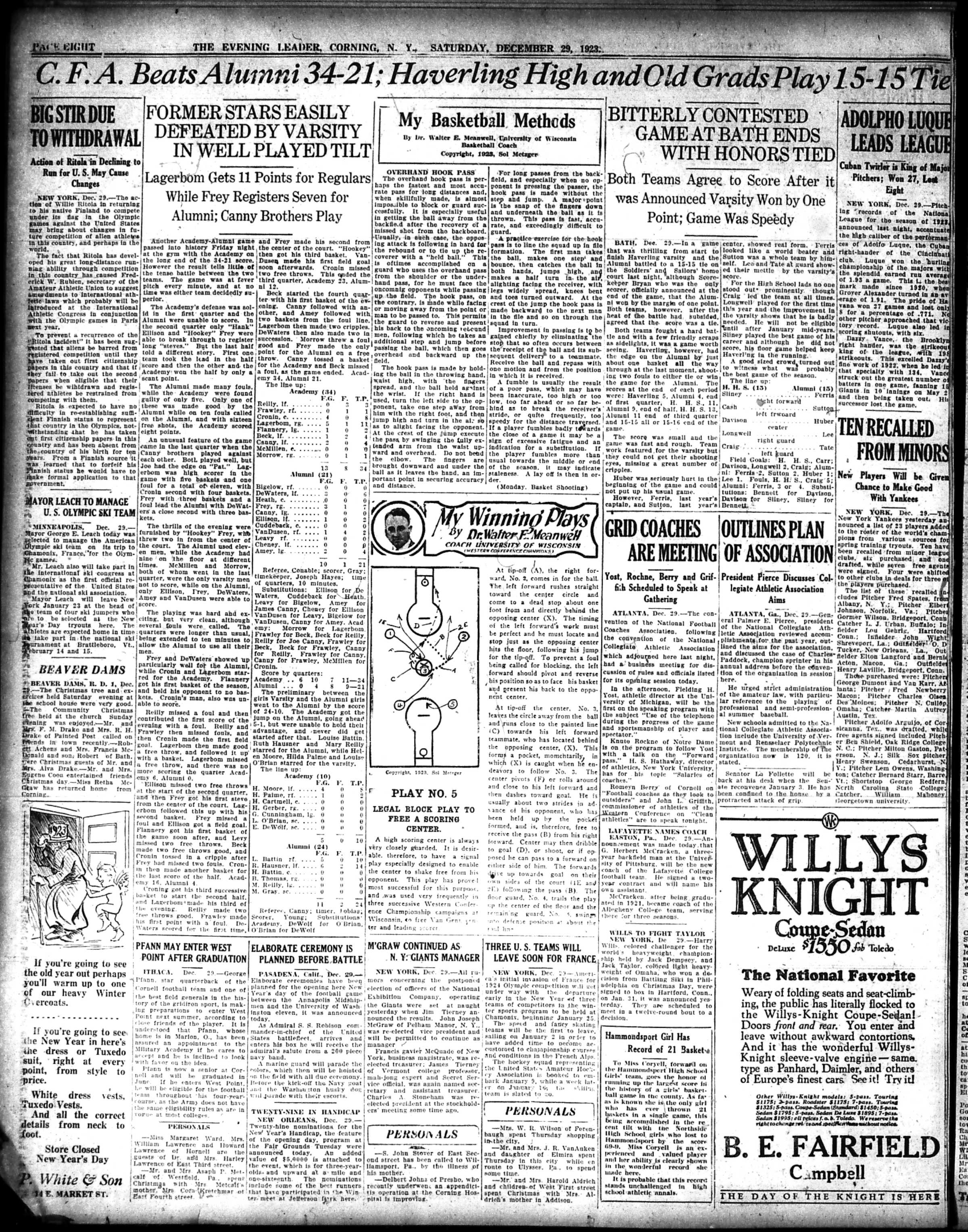
A selection of pages from The Evening Leader, Corning, N.Y. published on this day in 1923.

The Evening Leader, Corning, N. Y. | December 29, 1923 | Front Page

The Evening Leader, Corning, N. Y. | December 29, 1923 | Page Three

The Evening Leader, Corning, N. Y. | December 29, 1923 | Page Five

The Evening Leader, Corning, N. Y. | December 29, 1923 | Page Eight

The Evening Leader, Corning, N. Y. | December 29, 1923 | Page Nine

As a bonus, here is a fun Front Page for history, archeology & Downton Abbey fans!

The following photo is of the Front Page of The Evening Leader for January 4, 1924, and it features a neat headline about the discovery of the Tomb of King Tut!

The reason there is a Downton Abbey connection to this great archeological find, is because George Herbert, the Fifth Earl of Carnarvon financed the expedition that found the tomb of Tutankhamun; and one of his direct descendants is the current earl; George Herbert, Eighth Earl of Carnarvon.

And it is the Eight Earl that allowed the family seat, Highclere Castle, to be used as the location of the grand home of the fictional Crawley family as seen in the TV series Downton Abbey.

What fun! So check out the article on the right side of the front page, the one with the tantalizing headline “Sarcophagus Has Been Discovered In King’s Valley.”

Disclaimer – yes, indeed Linda was a history major; and I do find learning about history to be fun!

Have a great weekend everyone,

Linda Reimer, SSCL

Local History Online Library Resources:

Heritage Quest: Heritage Quest is the library’s online genealogy service, and it includes access to census records and other research sources; it can be accessed by going to the Online Resources page, on the library’s website, and scrolling down until you see the link for Heritage Quest:

https://www.ssclibrary.org/research/online-resources/

Once you’ve clicked on the Heritage Quest link, you’ll be prompted to login with your card number and PIN. If you have questions about how to use Heritage Quest, please feel free to let me know – my email address is reimerl@stls.org

Enjoy the photos and be well everyone,

Linda Reimer, SSCL

*To Create A Larger View (make the photos appear bigger on your screen):

You can click on each photo for a larger view. And then click the back arrow on your web browser to go back to the previous screen.

Alternatively, you can press and hold down the CTRL key, on your keyboard, while tapping the + key on your keyboard to make the photos appear larger on your screen.

To Create A Smaller View (make the photos appear smaller on your screen – after you’ve made them appear larger):

 Press and hold the CTRL key on your keyboard and tap the – sign to make the photos appear smaller again.

And If You Use A Mouse – CTRL & Scroll:

If you use a mouse you can do what is called “control and scroll”, to make photos appear larger and then smaller on your screen. To do this –>press and hold down the CTRL key on your keyboard and push the scroll wheel on your mouse away from you for a larger view. To reverse the larger view hold down the same CTRL key on your keyboard and pull the scroll wheel on your mouse towards you.

Library Local History/Creation Station Resources:
At the library you can scan your photos and slides to create digital family albums and slideshows; and even use one of the Circut machines, and other Creation Station equipment, to help you create a special paper family history album.

Also of note, we have the local paper, at times called the Corning Leader, Corning Journal or Corning Daily Journal, on microfilm from 1840 to the present — so you can visit the library and research local history and your family tree if you wish!